

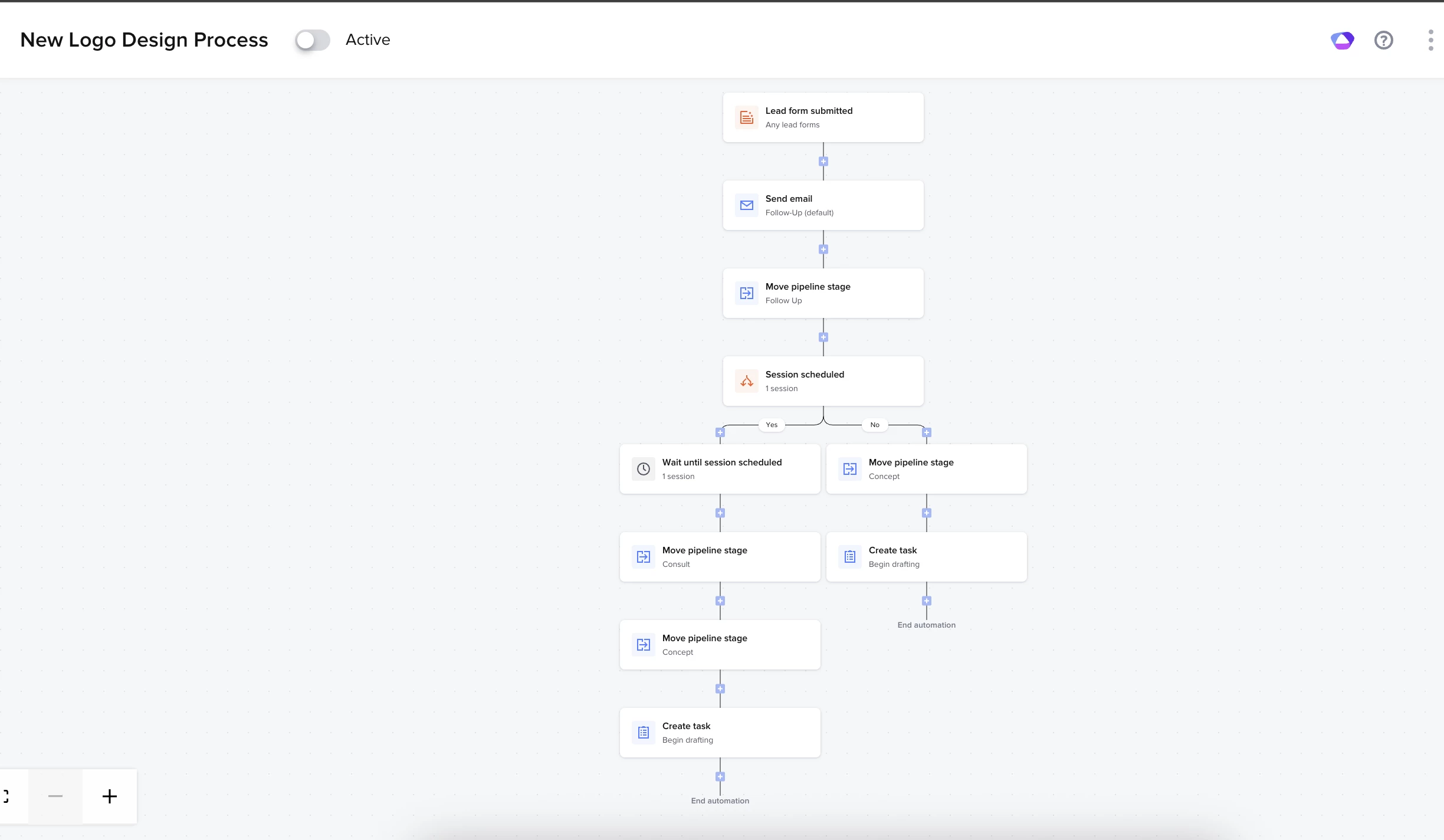
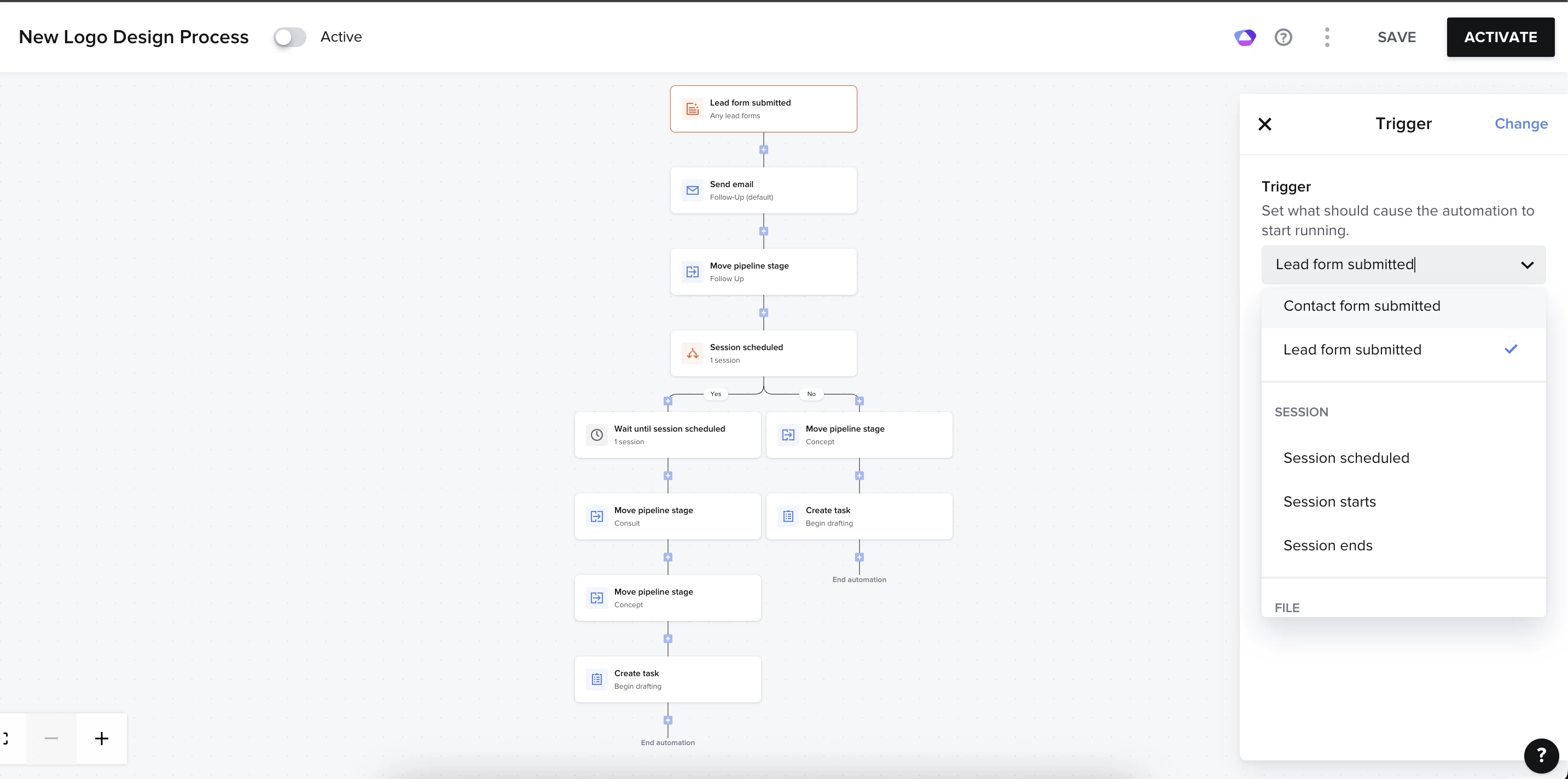
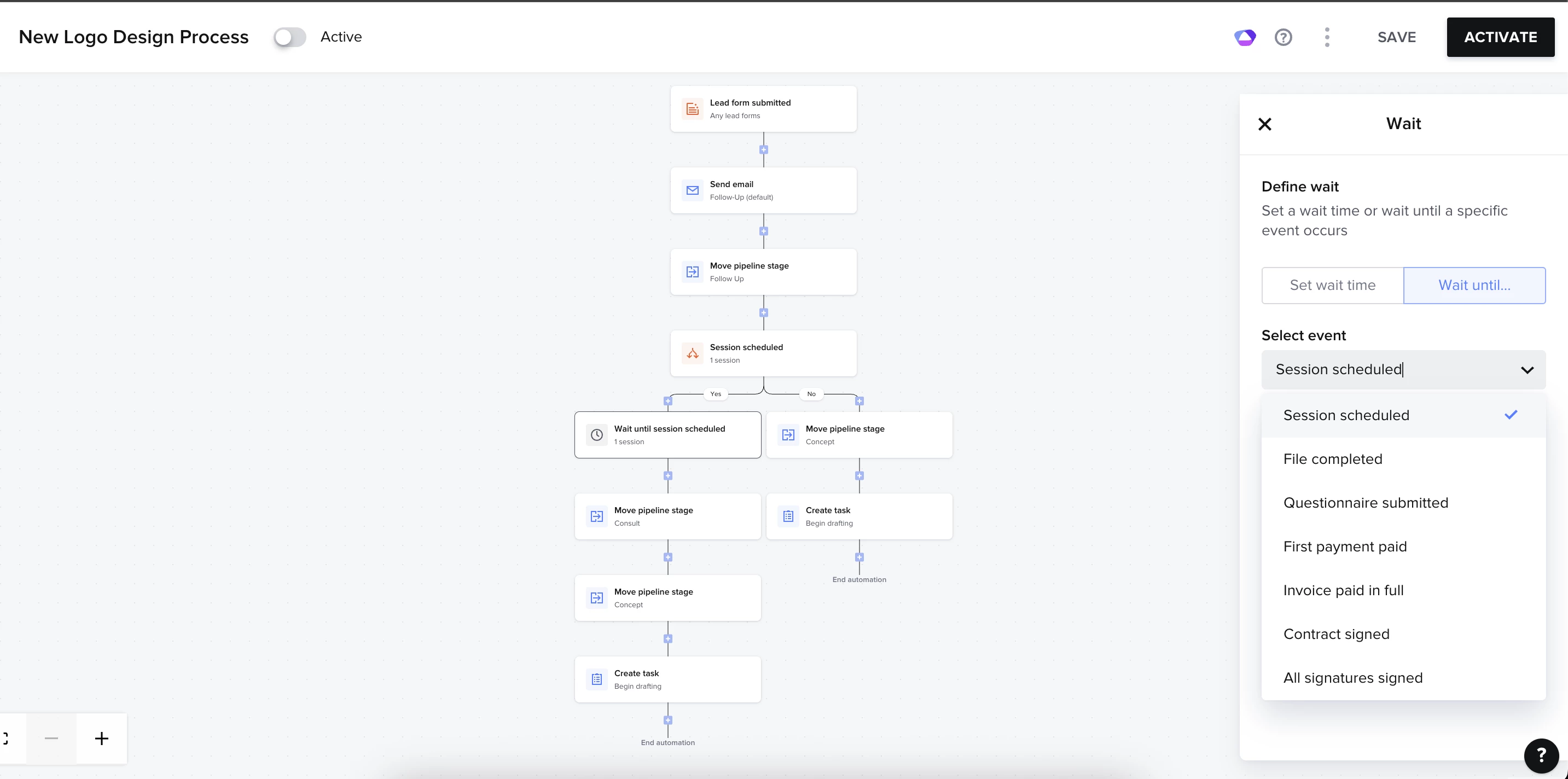
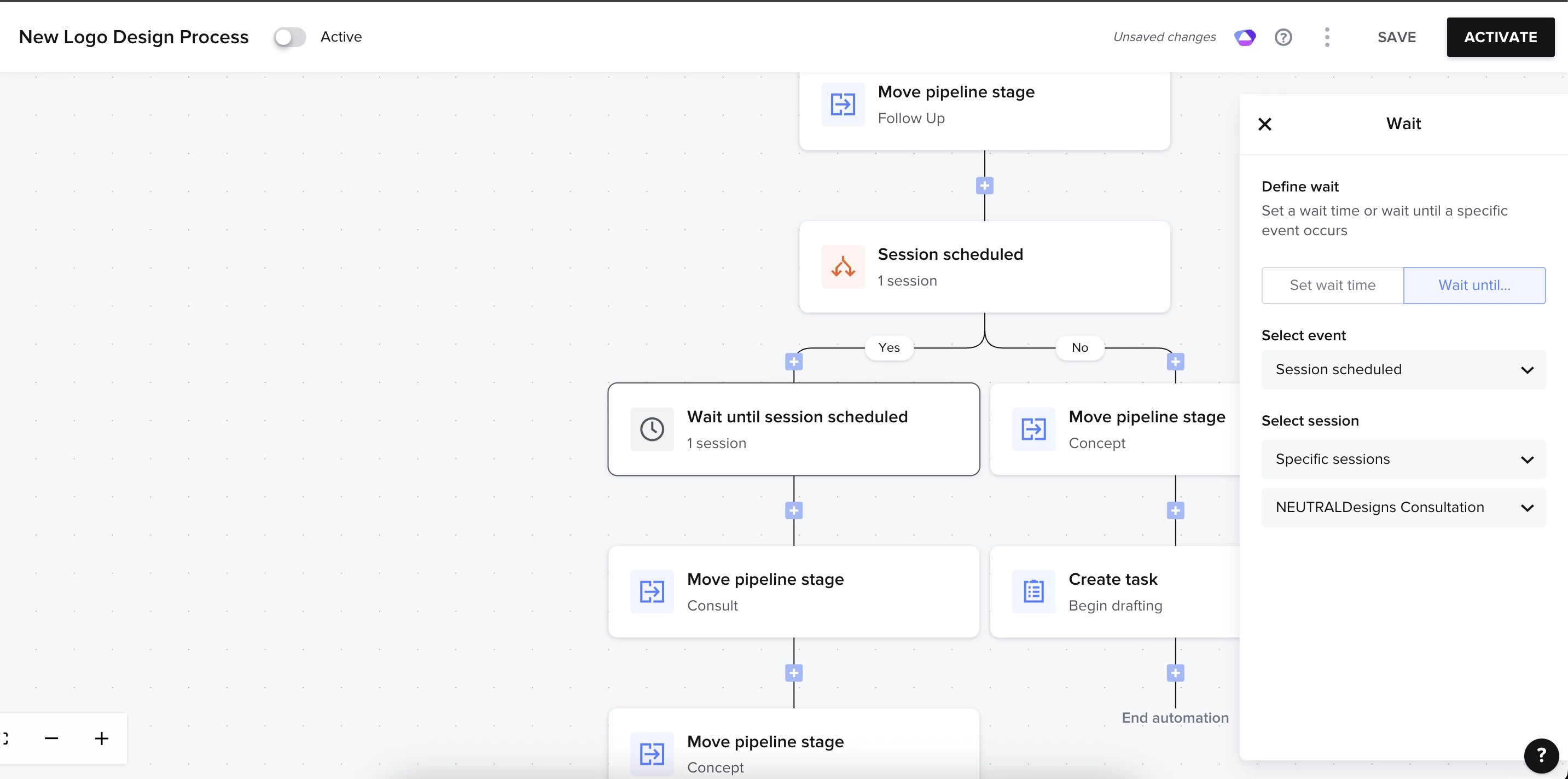
I had a question on if this is possible within the Automations 2.0. I’m currently crafting my new “logo design process” automation the completely streamlines my entire process. I want to create a conditional logic where if a client books a session with me, the pipeline stage will automatically move. I want the pipeline stage to move when it is scheduled, when the session starts, and when it ends. When I look at beginning “trigger” I can see the multiple options for “session scheduled, session starts, session ends” but I don’t see those options under conditional logic under “select event”. Is there a way for those options to be added under conditional logic? Can I not create an entire automation pipeline under one automation, or will I have to do these automations individually? Please help.

Question
Automations 2.0 Conditional logic trigges


 +1
+1


Sign up
Already have an account? Login

Welcome! To join the HoneyBook Community, log in with your HoneyBook account below.
You'll confirm your username and share a bit about yourself, then you're ready to explore and connect.
Free trial? No problem. Log in with your trial credentials to join.
Already a member? Hi and welcome back!
You will see the HoneyBook login page briefly to validate your trial or account.
Employee Login
Log in with HoneyBook
Welcome! To join the HoneyBook Community, log in with your HoneyBook account below.
You'll confirm your username and share a bit about yourself, then you're ready to explore and connect.
Free trial? No problem. Log in with your trial credentials to join.
Already a member? Hi and welcome back!
Welcome to the Community
Welcome! To join the HoneyBook Community, log in with your HoneyBook account below.
You'll confirm your username and share a bit about yourself, then you're ready to explore and connect.
Free trial? No problem. Log in with your trial credentials to join.
Already a member? Hi and welcome back!
You will see the HoneyBook login page briefly to validate your trial or account.
Employee Login
Log in with HoneyBook
Welcome! To join the HoneyBook Community, log in with your HoneyBook account below.
You'll confirm your username and share a bit about yourself, then you're ready to explore and connect.
Free trial? No problem. Log in with your trial credentials to join.
Already a member? Hi and welcome back!
Enter your E-mail address. We'll send you an e-mail with instructions to reset your password.