Solved

Click to sign on contracts not avaible on all pages

  • January 13, 2025
  • 2 replies
  • 5 views

YGP

I am experiencing an issue where the "Click and Sign" option is not consistently available on all pages within my Smart File. After creating a new page, pasting a contract, and adding fill-in fields, the "Click and Sign" option should be readily available for immediate signing. On some pages, the "Click and Sign" option is missing, preventing me from signing the document directly.

 

Best answer by YGP

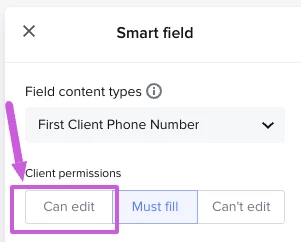
Update - this is the suggestion from Honeybook. These contacts were created by my attorney and those are sections that are needed, which is why they are restricted under "must fill" otherwise the client will not insert it. I am hoping that this feature can be adjusted. 

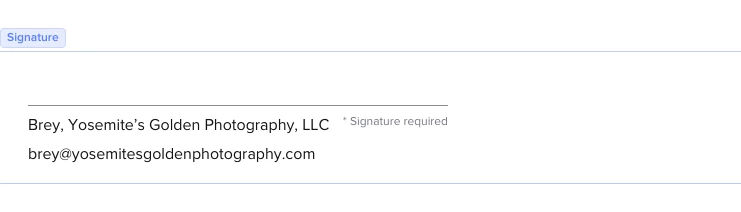
“It looks as though a few of the fields would need to be changed to "Can Edit", otherwise, this would be the message that you would receive and why you're unable to sign.”


2 replies

Monica R
HoneyBook Community Team
Forum|alt.badge.img+7
  • HoneyBook Community Team
  • January 13, 2025

Hey ​@YGP

I am going to have our Support team reach out and further troubleshoot this with you! Thanks for flagging


YGP
  • Author
  • Answer
  • January 17, 2025

Update - this is the suggestion from Honeybook. These contacts were created by my attorney and those are sections that are needed, which is why they are restricted under "must fill" otherwise the client will not insert it. I am hoping that this feature can be adjusted. 

“It looks as though a few of the fields would need to be changed to "Can Edit", otherwise, this would be the message that you would receive and why you're unable to sign.”