





This has come up with me before, but it’s starting to get irritating and as we are rapidly booking for our next wedding season, this will become more irritating.
I do NOT want to add our team members to any project as they then (apparently) get all the emails sent to the client… and we have an email that goes out every 30 days to them up until their wedding plus a few others with to-do items.
My workaround has been to set up a team workspace for the project where I can communicate with the assigned officiant. I send them initially an email detailing specifics and their compensation. I do NOT want the client to see this.
However, HB makes me add them as a client in order to send an email. With the team member added to the team workspace, and trying to send a notification email, HB tells me to select a recipient but I can only add the team member as a client.
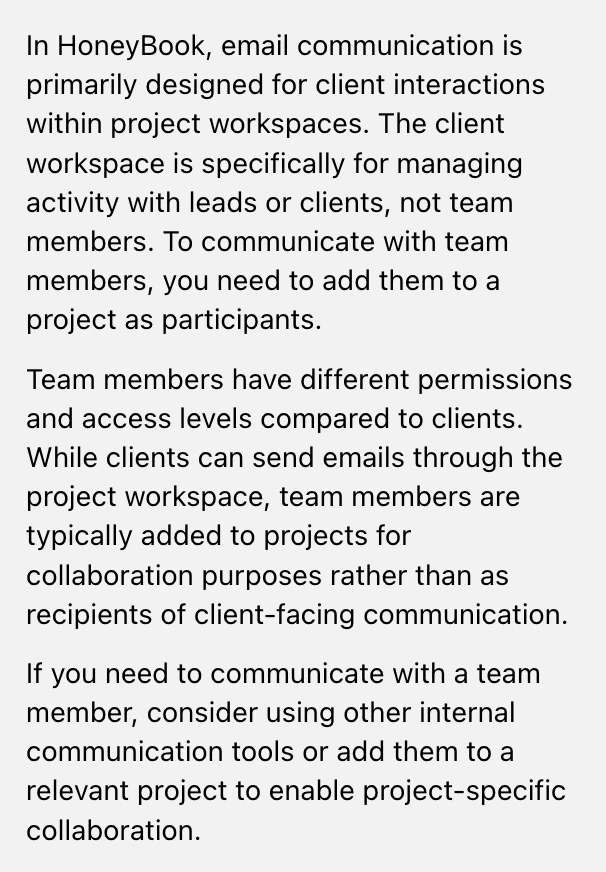
THIS IS A PILL! Here’s what the AI assist says:
Is there any other workaround???
