Hi everyone,
Is there a way to delete/edit the footer of my outgoing emails? Specifically the bottom part that I put a box around:
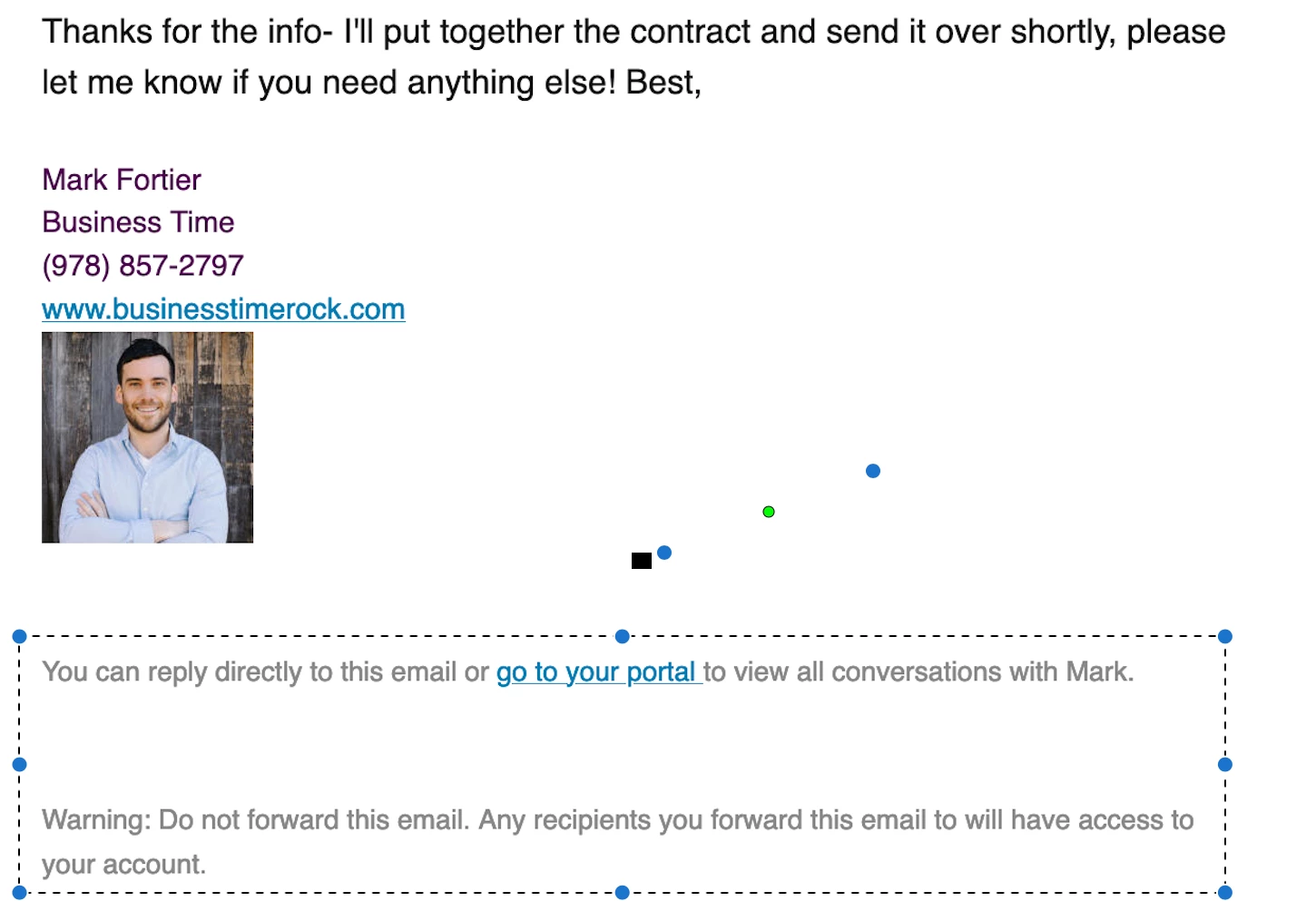
The “You can reply directly...” and “Warning: Do not forward...” sections? Can those be changed?
Thanks so much!
- Mark


Hi everyone,
Is there a way to delete/edit the footer of my outgoing emails? Specifically the bottom part that I put a box around:
The “You can reply directly...” and “Warning: Do not forward...” sections? Can those be changed?
Thanks so much!
Already have an account? Login

Welcome! To join the HoneyBook Community, log in with your HoneyBook account below.
You'll confirm your username and share a bit about yourself, then you're ready to explore and connect.
Free trial? No problem. Log in with your trial credentials to join.
Already a member? Hi and welcome back!
Welcome! To join the HoneyBook Community, log in with your HoneyBook account below.
You'll confirm your username and share a bit about yourself, then you're ready to explore and connect.
Free trial? No problem. Log in with your trial credentials to join.
Already a member? Hi and welcome back!
Enter your E-mail address. We'll send you an e-mail with instructions to reset your password.