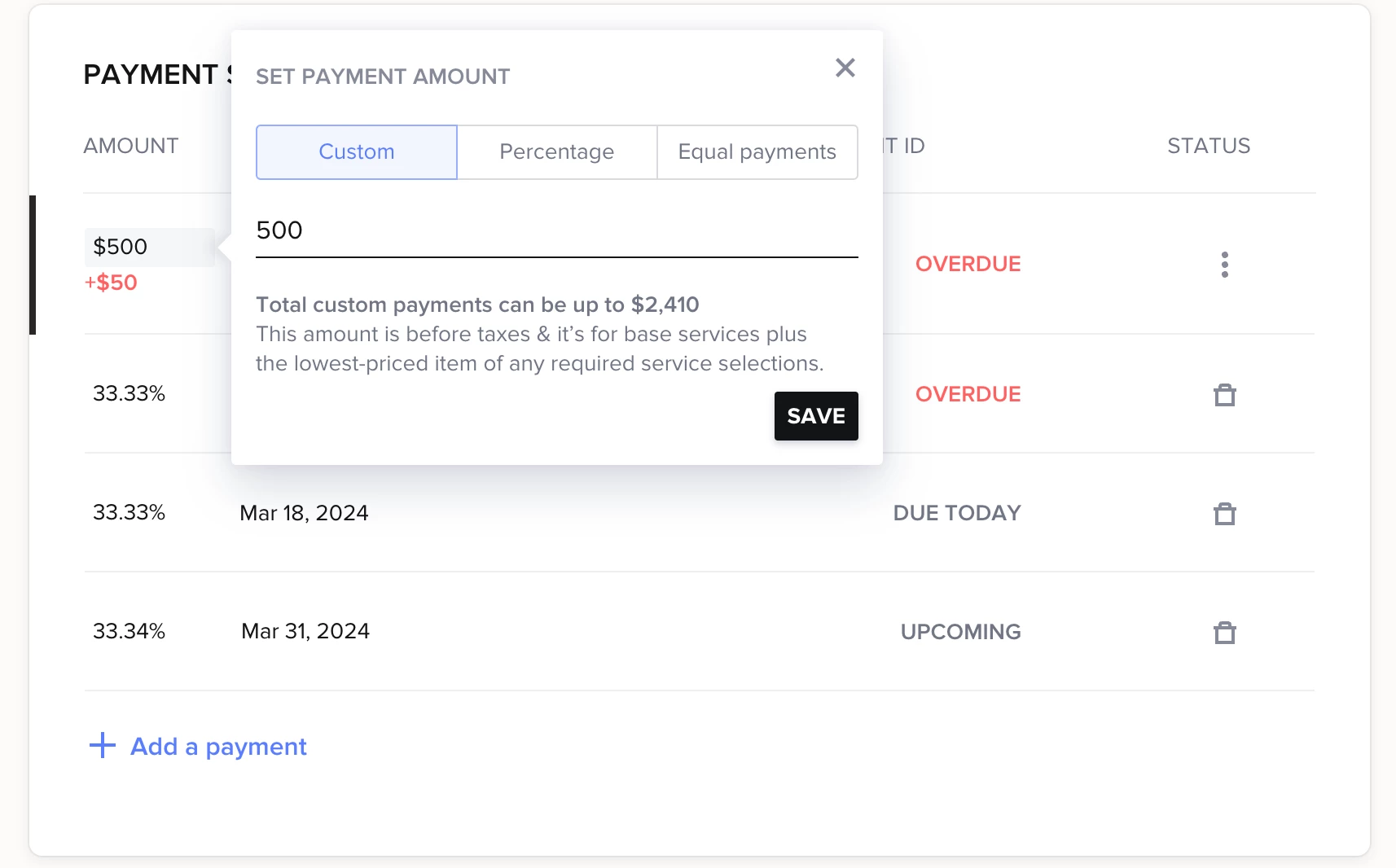
I'm trying to create a proposal where the client chooses their services, pays the invoice and signs the contract all in the one proposal. I'm coming up with a roadblock I'm trying to see if anyone else has figured out. Support was no help. On the invoice, I need the first payment to be a fixed amount, and then the other two payments are split with whatever amount is on the invoice. This fixed amount will literally always be the same, no matter the service they choose. The first payment will not let me make a custom amount (it's grayed out). If I add it from an invoice template, it says the amount is more than the invoice total.
Support is telling me I have to edit the invoice once it is created, but that makes no sense if they're making the first payment within the proposal.
Please tell me there is a way to make this work.