Question

How do I edit a file and email in automations 2.0 when I have it set to Approve?

  • September 13, 2025
  • 2 replies
  • 19 views

Whitney Sanchez-Mason

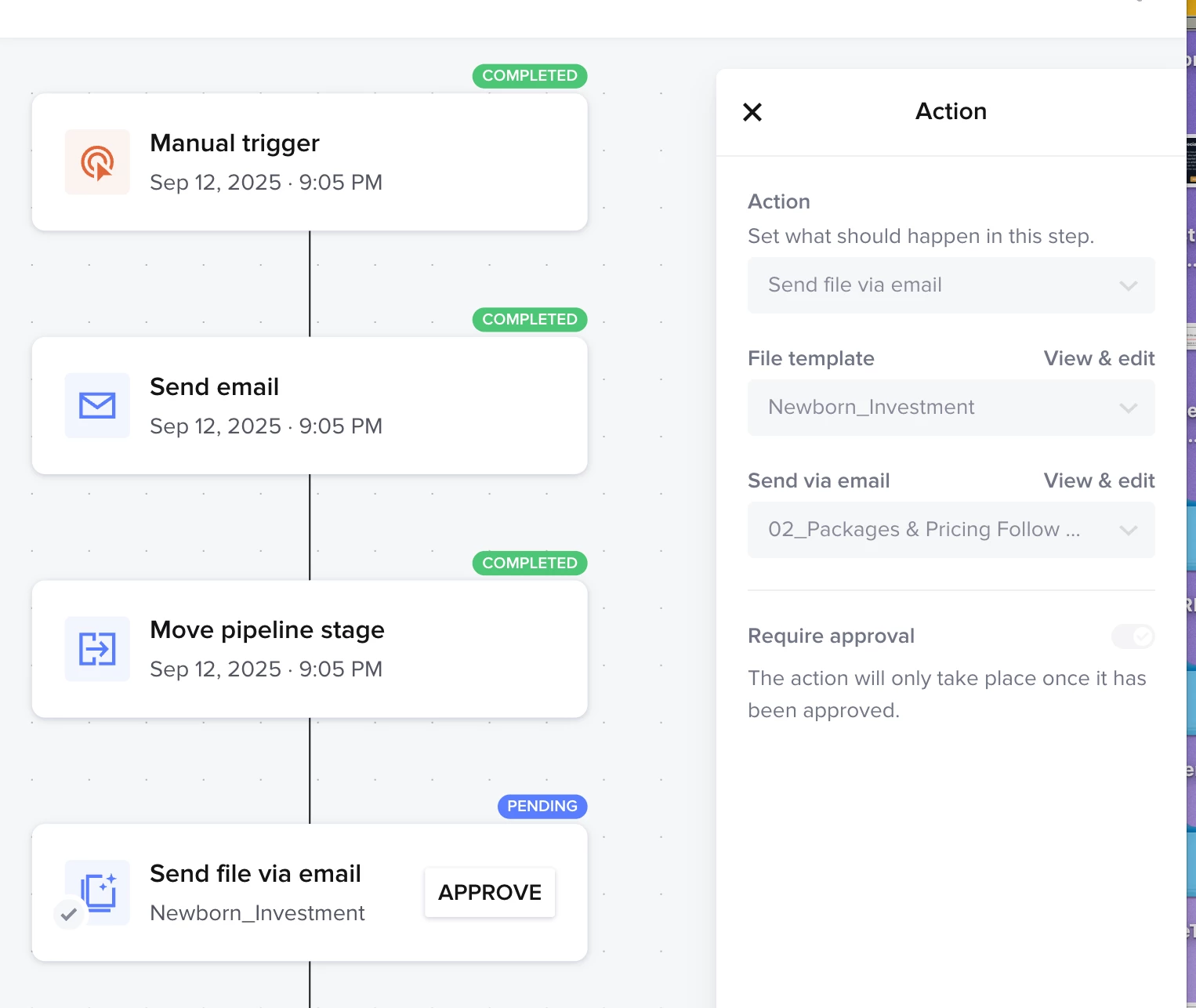
Everything I’m looking up says I should be able to edit my files and email templates that I have set up in an automation if I have it set to approve. So far I’m hitting a wall and can not figure out how to edit either so I can personalize it for a specific client. It appears I should be able to do this within the automation that is connected to the project, but it is greyed out for me. The only thing it will let me do is “approve” it. Please help! 
 

2 replies

Alicia Bauer
Forum|alt.badge.img+4
  • Newcomer
  • September 15, 2025

@Whitney Sanchez-Mason - You're totally right, when an automation is set to "approve before sending," you should be able to personalize emails and smart files before they go out. But I know it can be confusing when things look greyed out.

Here’s how it works:

✨ Once the automation is actively running on a project and reaches a step that’s marked “approve before sending,” you’ll get a prompt to approve it from the project workspace. That’s your chance to edit the email or file before it’s sent!

✅ The trick is: you won’t be able to edit it from the automation setup itself—you’ll need to wait until the step becomes active in the specific project (you’ll see a yellow “Needs Approval” banner in the activity feed). Click into that, and you'll have full editing access before hitting send.

If it's not showing up as editable even then, it might be a glitch—definitely worth using the “?” chat support in the corner to ask the HoneyBook team directly. They’re usually super helpful with that kind of thing!

Hope that helps clear things up! 💛


Whitney Sanchez-Mason

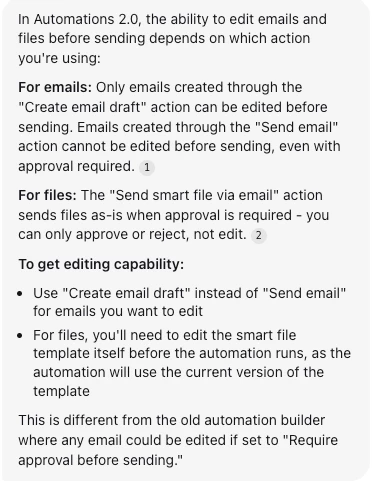
Further research is proving that I can only edit an email, using email draft.

You can not edit an email and file using "send a file via email.” I’ve tested multiple times and I can only “approve” the file. I’ve upvoted this change, as it’s critical in making automations work for my workflow. The approve option is useless if you can’t edit anything.