Solved

One Client / Multiple Projects

  • January 10, 2024
  • 6 replies
  • 176 views

Billie Hara Sharp

Is it possible to create multiple projects under ONE client?  For example, Client A has me photograph something for her twice a month. I don’t want to set up 24 (or more) standalone projects, but maybe I need to?


Any advice is welcomed.

Best answer by Regina Martinez
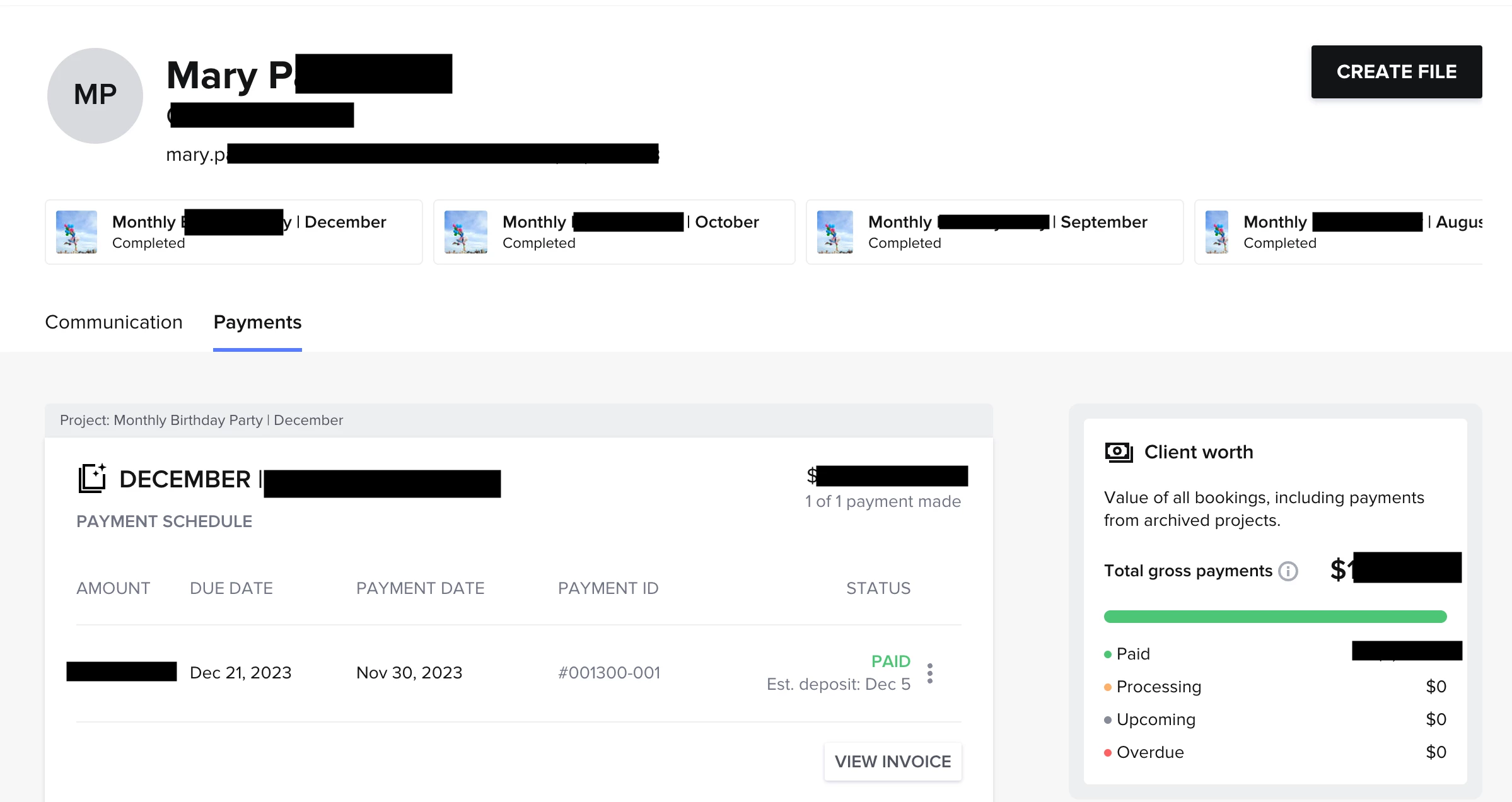
I use a single project space for recurring clients. But if a lot of communication needs to happen, I’ll make a monthly project for them.

Also, have you checked out the client dashboard? It’s pretty helpful with recurring clients since it tracks all of their invoices, projects, communication, revenue, etc.

6 replies

Megan Curtis at Calypso Studio
Explorer
Forum|alt.badge.img+1

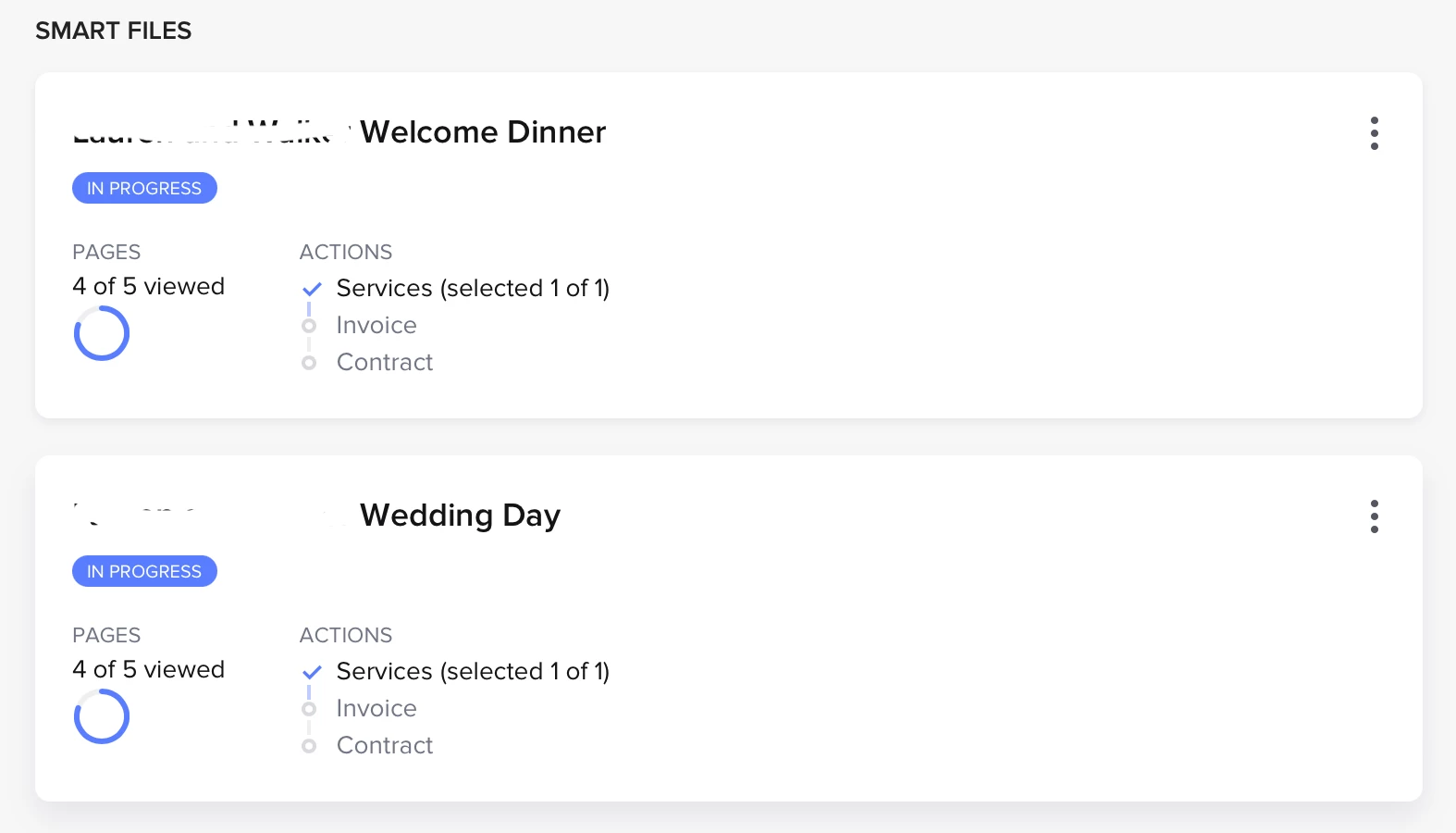
A client can have multiple projects, but I believe they’ll always show as separate projects in the pipeline. You could create a single project with a recurring invoice though. For example, I have clients who I bill monthly for social media management packages. They only have one project each, but they are billed monthly on a recurring invoice.


Than P
Forum|alt.badge.img
  • Newcomer
  • January 10, 2024

Yes, you should be able to do this.


I have a client with multiple contracts for different days.

  1. Each project is independently billed (in my case, to different divisions of the client)
  2. Each project is self standing (Aka, deleting anything from project A does not impact project B)
  3. All projects are under the ONE client project I have created, and tracked once on the pipeline.

As @Megan Curtis has mentioned, it may be more practical for you to set up a recurring invoice, if the projects are similar enough. I do not know if there is a limit to the “smart files” and projects you can have under each client, that’s a question for support!

Hope this helps!


Megan Herron
Forum|alt.badge.img+2
  • Newcomer
  • January 10, 2024

Do you use your pipeline to track editing and progress? If not I think just individual smart files for each session could work or you might consider a membership of sorts where they pay you a certain amount per month/quarter and then they can have a scheduling link to schedule sessions set up on a recurring automation. 


Regina Martinez
Creative Icon
Forum|alt.badge.img+7
  • Creative Icon
  • Answer
  • January 10, 2024

I use a single project space for recurring clients. But if a lot of communication needs to happen, I’ll make a monthly project for them.

Also, have you checked out the client dashboard? It’s pretty helpful with recurring clients since it tracks all of their invoices, projects, communication, revenue, etc.


Cassie H of Premier Ops Spot
Community Legend
Forum|alt.badge.img+7

You can, but in this case, I wouldn’t. 

Here are a few of the determining factors I use to decide whether to create a separate project or not: 

  1. Additional Access - is there someone (from my team or the client’s) that needs access to only PART of your contracted work, and not all? Make a separate project and add them only there.
  2. Automations - If you are providing 2 services simultaneously, and each has its own automation workflow, you may want to create 1 project for each, since you can only apply ONE automation at a time to a project. (You also need to be careful here that it doesn’t end up being too many emails for your client - but at least this way the automations run the way they are supposed to, in a timely manner.)

The idea of creating a new project for every month, when you’re providing the same service, feels like a lot of extra work for not a lot of extra gain. :)

Hope this helps!!


Jay C
HoneyBook Employee
Forum|alt.badge.img+1
  • HoneyBook Employee
  • January 23, 2024

I use a single project space for recurring clients. But if a lot of communication needs to happen, I’ll make a monthly project for them.

Also, have you checked out the client dashboard? It’s pretty helpful with recurring clients since it tracks all of their invoices, projects, communication, revenue, etc.

Thank you @Regina Martinez !