Question

Remove HB branding on template share link via text and customize with buisness branding

  • August 23, 2024
  • 1 reply
  • 12 views

Cup of Sugar

Just got off with customer support and they said nothing they have set up right now but maybe in future.


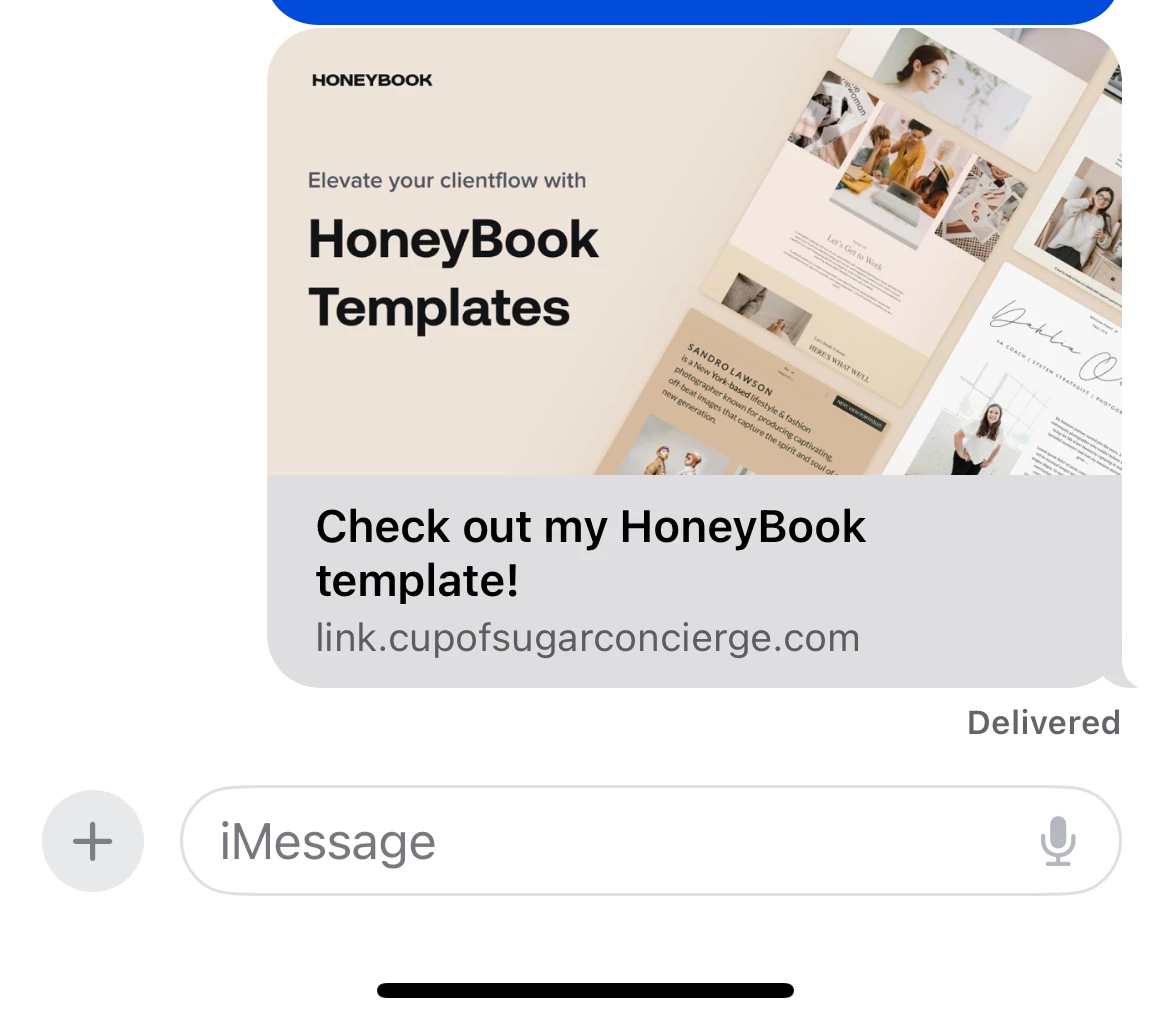
For my cold call marketing leads, I follow up with a text with a link to my smart file template that goes over my services. Yesterday I noticed that when I send the link, this thumbnail saying “check out my HoneyBook template!” Comes up which makes it unattractive for new leads to click because it just looks spammy. 
 

so it would be great to customize the thumbnail on the share link so that it’s personalize to my business as well as the content in the file. 

1 reply

Monica R
HoneyBook Community Team
Forum|alt.badge.img+7
  • HoneyBook Community Team
  • August 23, 2024

Hey @Cup of Sugar

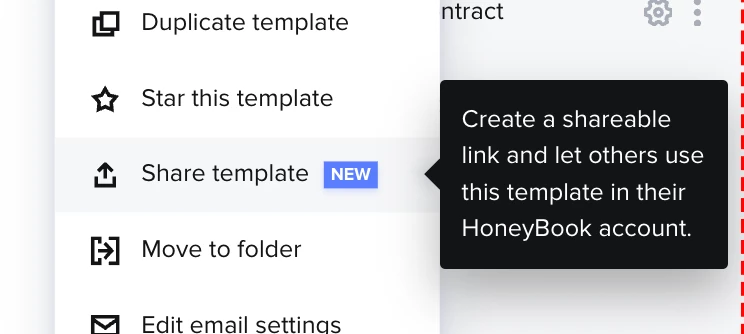
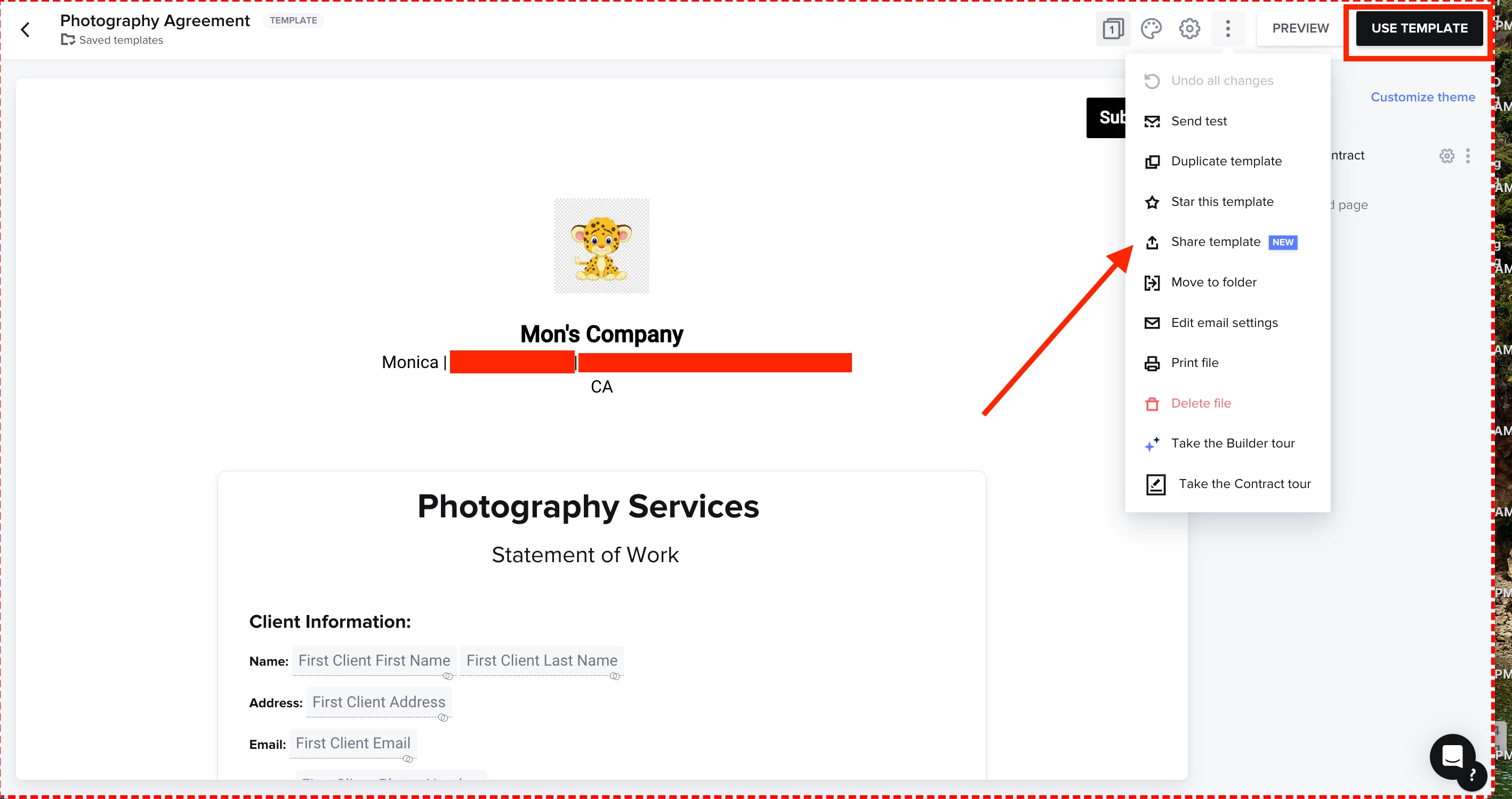
I think what might be happening is you’re in the Template library and on your actual template page selecting “share template”. Sharing a template will actually share the template as if you’re giving it to another user. For example, if you work with someone who is in the same line of work and want to show them how you collect leads you’d say “Oh I have a great intake form, let me share the template I use with you so you can use it too”. That’s why when you share it, it’s putting the template branding on it. 


What you’ll want to do instead is “Use” the template (top right of page). You’ll be prompted to apply the template to an existing client or add a new client email. From there, you can send the actual live file to your client. There is the option to both create the file and send via email straight from the system or generate a standalone link to send that way. The image that populates when sharing the link will match your logo, company, and branding :)

Here is an article on how to send smart file.

For your purposes however, I think it would be best if you created a lead form! This is a public smart file that you can share with client who’s email addresses you do have with our post on your website or other lead generating sites! Here are some FAQs about lead forms. 

Hope this helps!