

I just want to streamline this scheduler for booking time with me.
RN I have this:
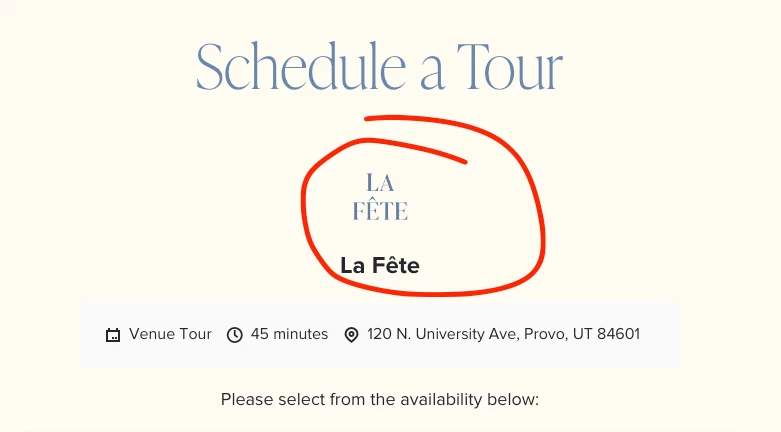
Just want the stuff circled gone. Can’t find where I remove it (or at least one of them)


I just want to streamline this scheduler for booking time with me.
RN I have this:
Just want the stuff circled gone. Can’t find where I remove it (or at least one of them)
Already have an account? Login

Welcome! To join the HoneyBook Community, log in with your HoneyBook account below.
You'll confirm your username and share a bit about yourself, then you're ready to explore and connect.
Free trial? No problem. Log in with your trial credentials to join.
Already a member? Hi and welcome back!
Welcome! To join the HoneyBook Community, log in with your HoneyBook account below.
You'll confirm your username and share a bit about yourself, then you're ready to explore and connect.
Free trial? No problem. Log in with your trial credentials to join.
Already a member? Hi and welcome back!
Enter your E-mail address. We'll send you an e-mail with instructions to reset your password.