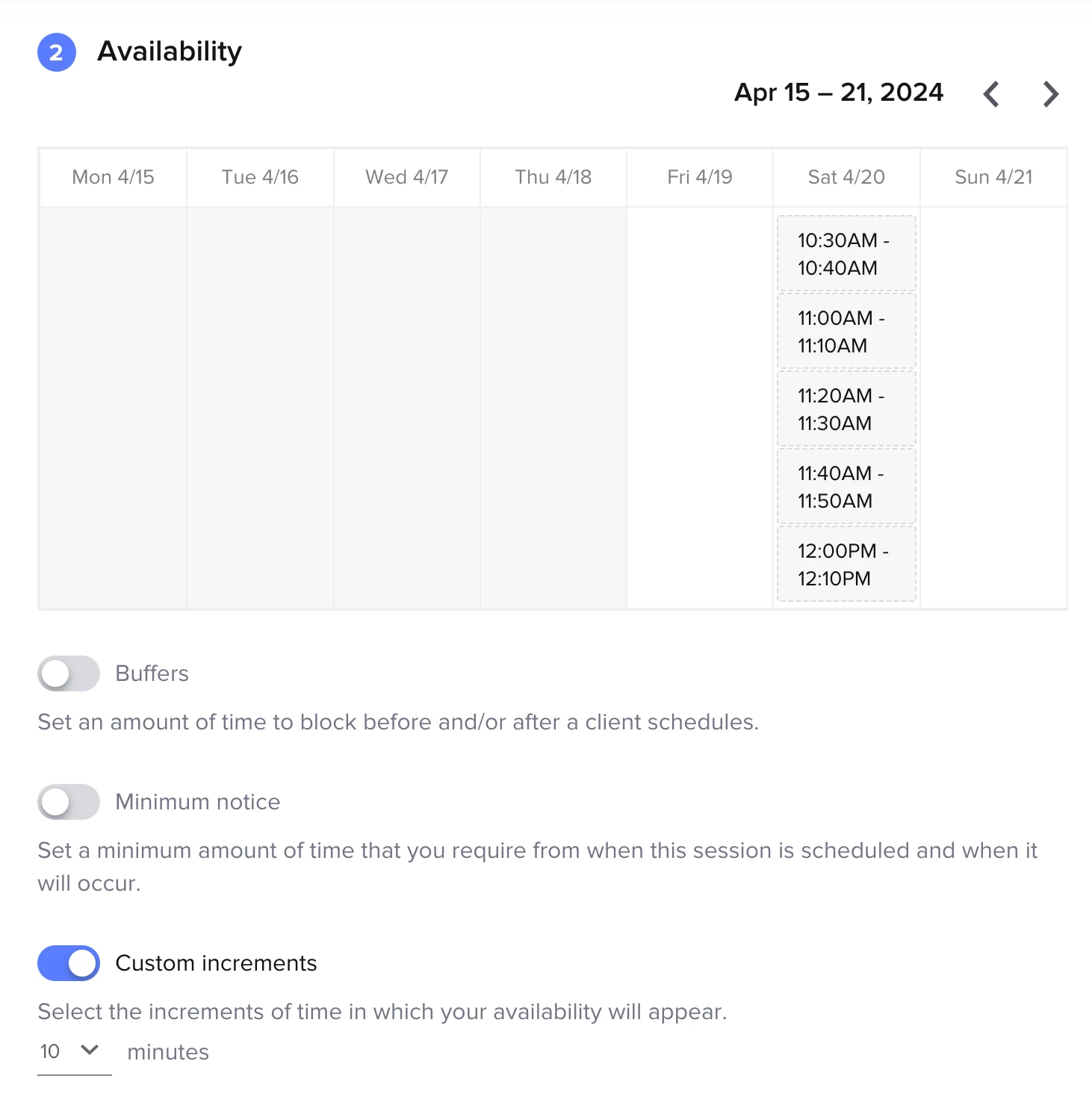
Hello! I’m in need of help figuring out why scheduler blocks out days when I add availability on that certain day. I used the Fixed date rage, added my availability for the day, go to preview the day is blocked out. What am I doing wrong?
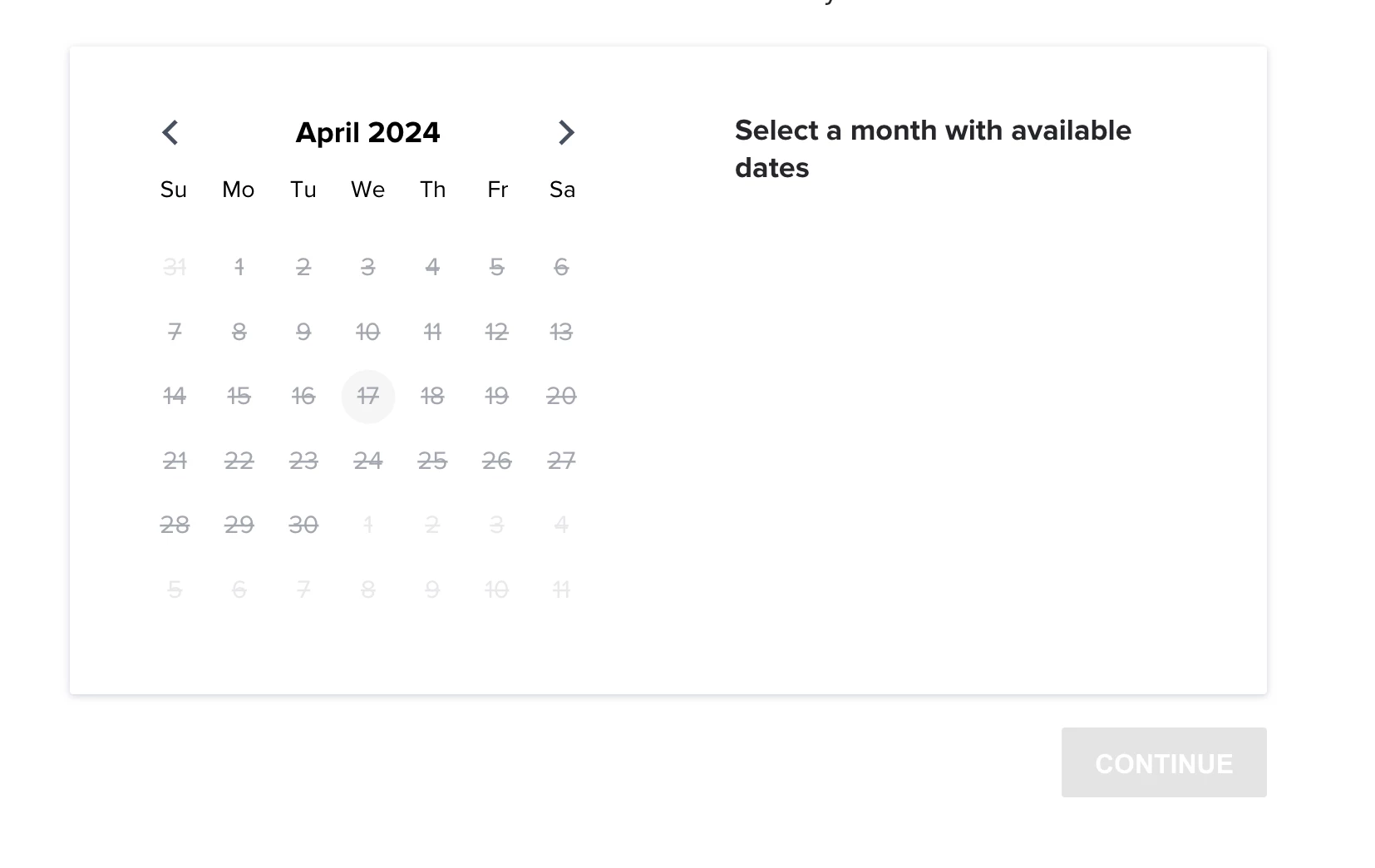


Hello! I’m in need of help figuring out why scheduler blocks out days when I add availability on that certain day. I used the Fixed date rage, added my availability for the day, go to preview the day is blocked out. What am I doing wrong?
Already have an account? Login

Welcome! To join the HoneyBook Community, log in with your HoneyBook account below.
You'll confirm your username and share a bit about yourself, then you're ready to explore and connect.
Free trial? No problem. Log in with your trial credentials to join.
Already a member? Hi and welcome back!
Welcome! To join the HoneyBook Community, log in with your HoneyBook account below.
You'll confirm your username and share a bit about yourself, then you're ready to explore and connect.
Free trial? No problem. Log in with your trial credentials to join.
Already a member? Hi and welcome back!
Enter your E-mail address. We'll send you an e-mail with instructions to reset your password.