

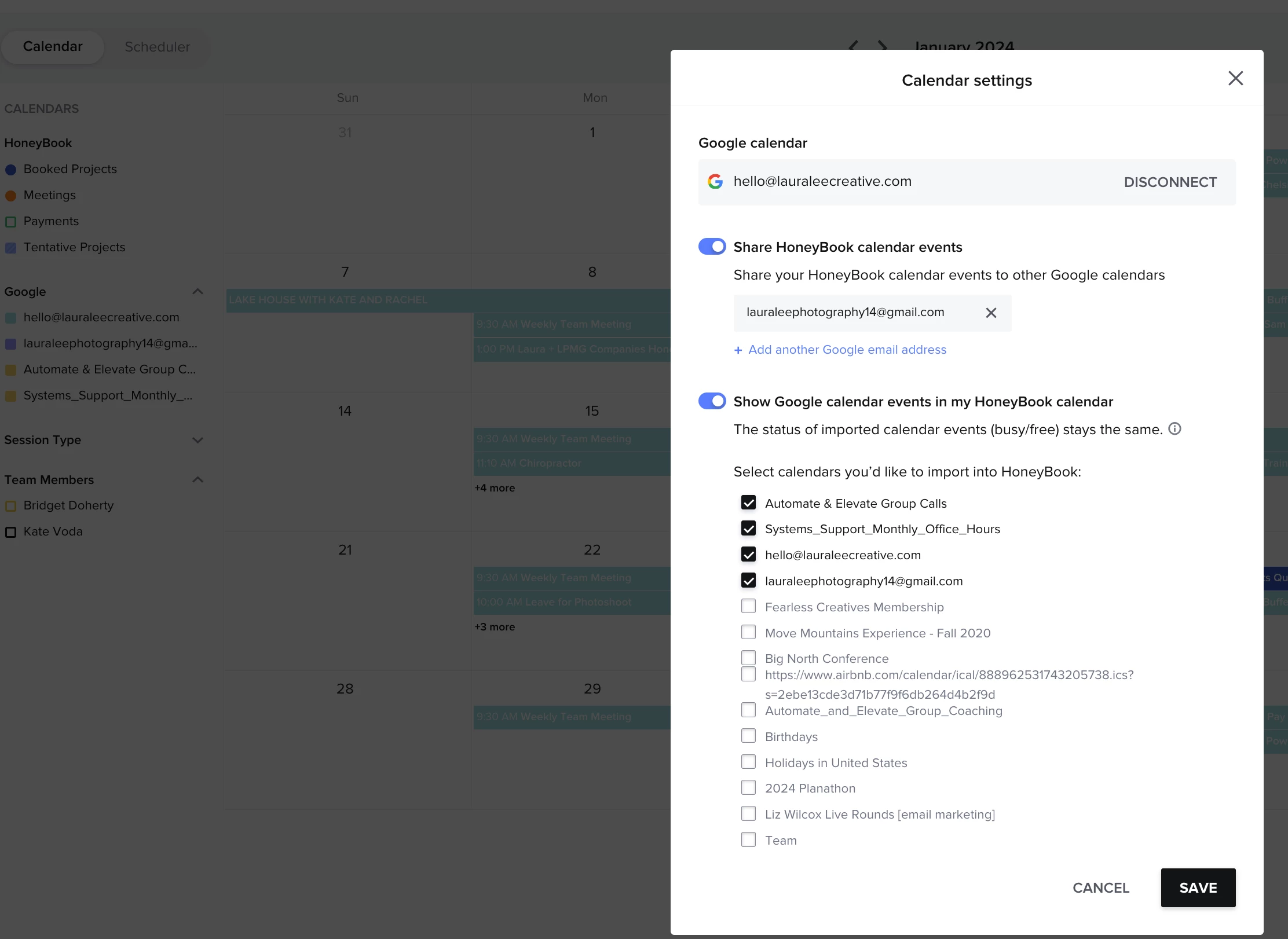
I love our calendar and our scheduler, I do wish they would sync. I would like for clients to not be able to schedule a consultation call or anything on a day where I am booked or just have something scheduled on my calendar or a time frame if I am already booked. As of now I have to manually delete the day or time and it throws me off a bit. Unless it already does this and I am not aware but as of now I would love if we could consider they be synced in that way!

Question
Scheduler syncing to my honey book calendar








Sign up
Already have an account? Login

Welcome! To join the HoneyBook Community, log in with your HoneyBook account below.
You'll confirm your username and share a bit about yourself, then you're ready to explore and connect.
Free trial? No problem. Log in with your trial credentials to join.
Already a member? Hi and welcome back!
You will see the HoneyBook login page briefly to validate your trial or account.
Employee Login
Log in with HoneyBook
Welcome! To join the HoneyBook Community, log in with your HoneyBook account below.
You'll confirm your username and share a bit about yourself, then you're ready to explore and connect.
Free trial? No problem. Log in with your trial credentials to join.
Already a member? Hi and welcome back!
Welcome to the Community
Welcome! To join the HoneyBook Community, log in with your HoneyBook account below.
You'll confirm your username and share a bit about yourself, then you're ready to explore and connect.
Free trial? No problem. Log in with your trial credentials to join.
Already a member? Hi and welcome back!
You will see the HoneyBook login page briefly to validate your trial or account.
Employee Login
Log in with HoneyBook
Welcome! To join the HoneyBook Community, log in with your HoneyBook account below.
You'll confirm your username and share a bit about yourself, then you're ready to explore and connect.
Free trial? No problem. Log in with your trial credentials to join.
Already a member? Hi and welcome back!
Enter your E-mail address. We'll send you an e-mail with instructions to reset your password.