

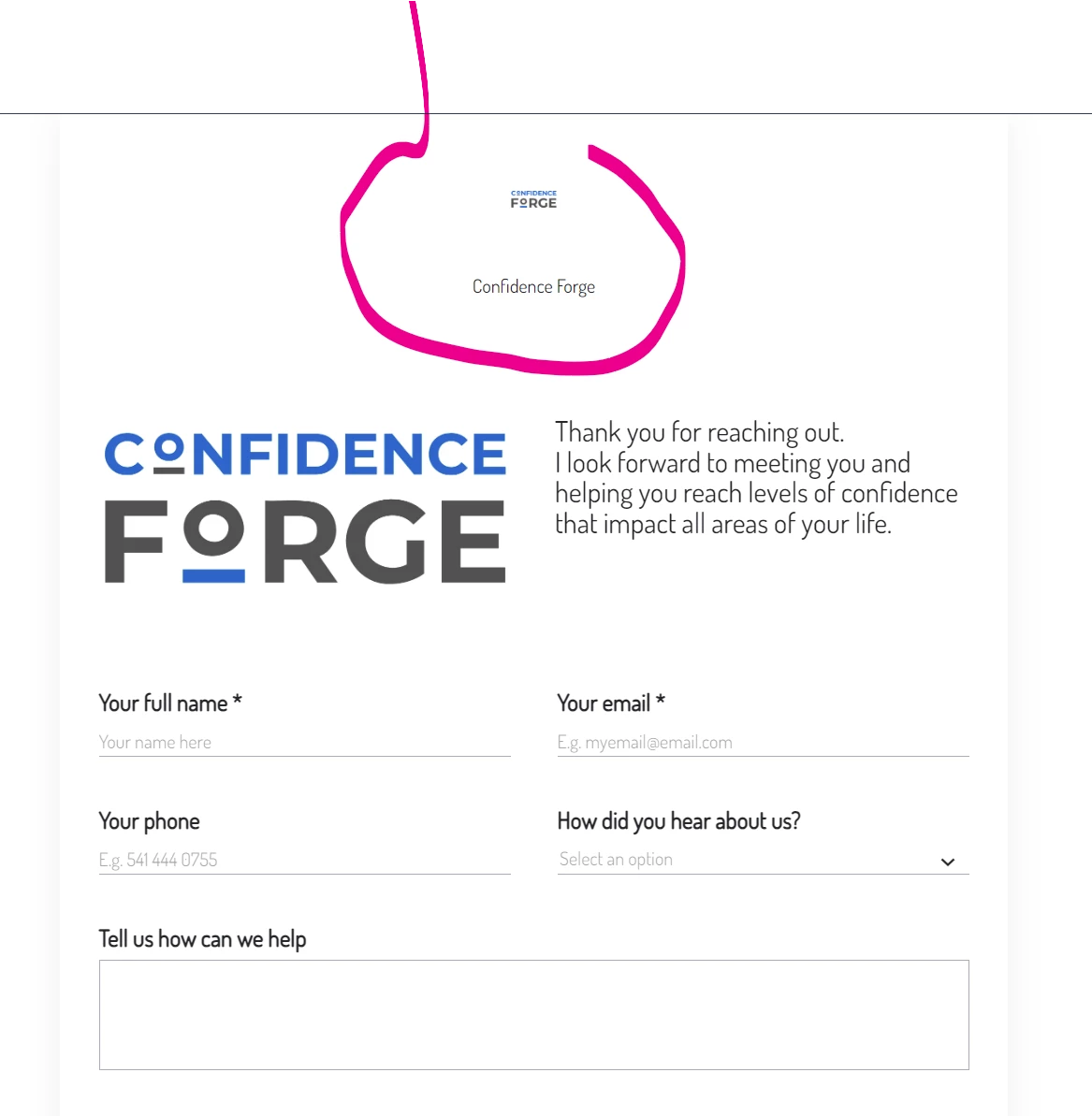
In this image it shows a small logo at the very top and “Confidence forge” written underneath it. That does not show in my Contact Form editor so I’m not sure how to remove it. Does anyone know?
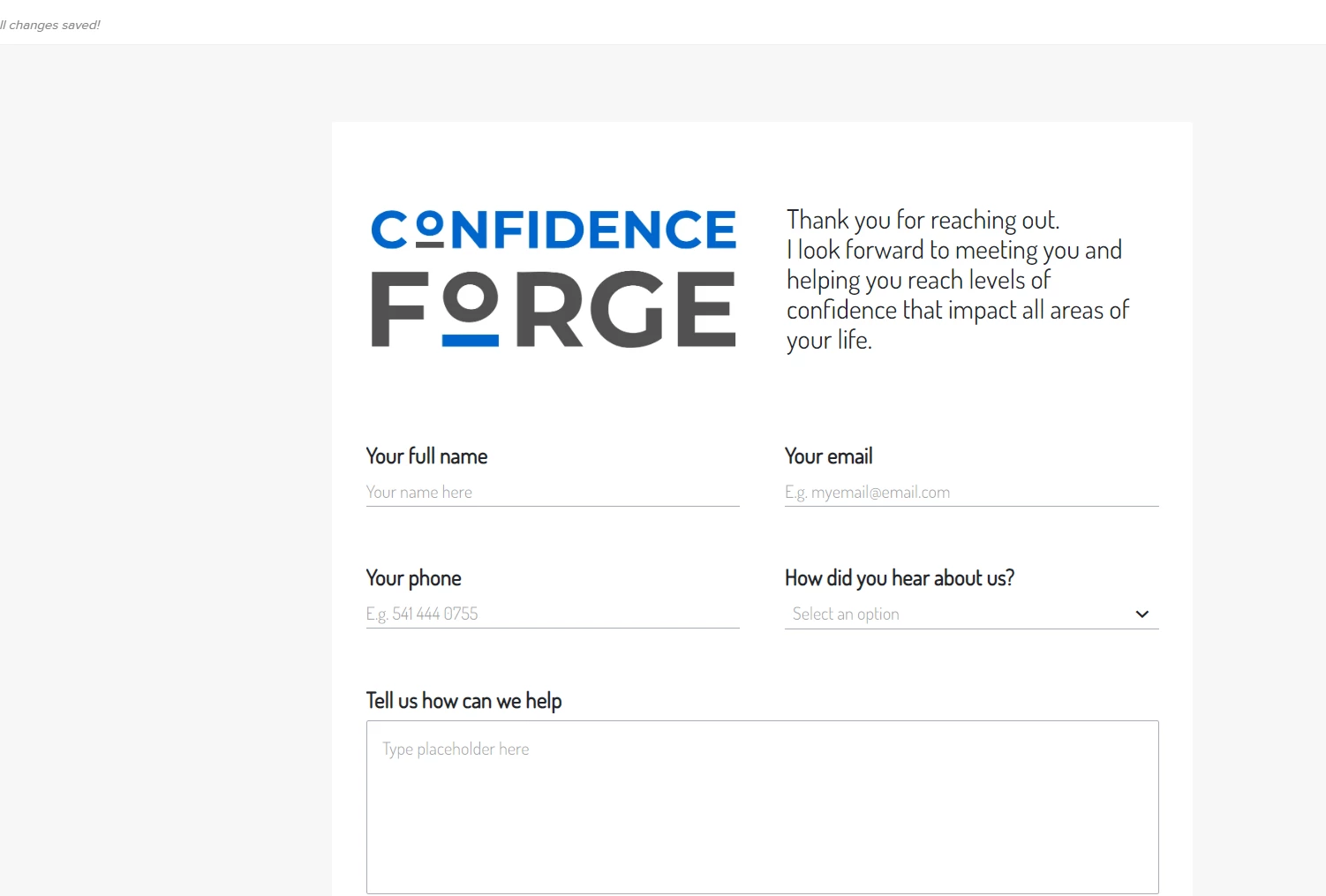
This is what is shown in the Editor.


In this image it shows a small logo at the very top and “Confidence forge” written underneath it. That does not show in my Contact Form editor so I’m not sure how to remove it. Does anyone know?
This is what is shown in the Editor.
Already have an account? Login

Welcome! To join the HoneyBook Community, log in with your HoneyBook account below.
You'll confirm your username and share a bit about yourself, then you're ready to explore and connect.
Free trial? No problem. Log in with your trial credentials to join.
Already a member? Hi and welcome back!
Welcome! To join the HoneyBook Community, log in with your HoneyBook account below.
You'll confirm your username and share a bit about yourself, then you're ready to explore and connect.
Free trial? No problem. Log in with your trial credentials to join.
Already a member? Hi and welcome back!
Enter your E-mail address. We'll send you an e-mail with instructions to reset your password.

