

Question

How to unlink a block in a contract

  • January 15, 2024
  • 3 replies
  • 25 views

Denise O'Malley
Luminary
Forum|alt.badge.img

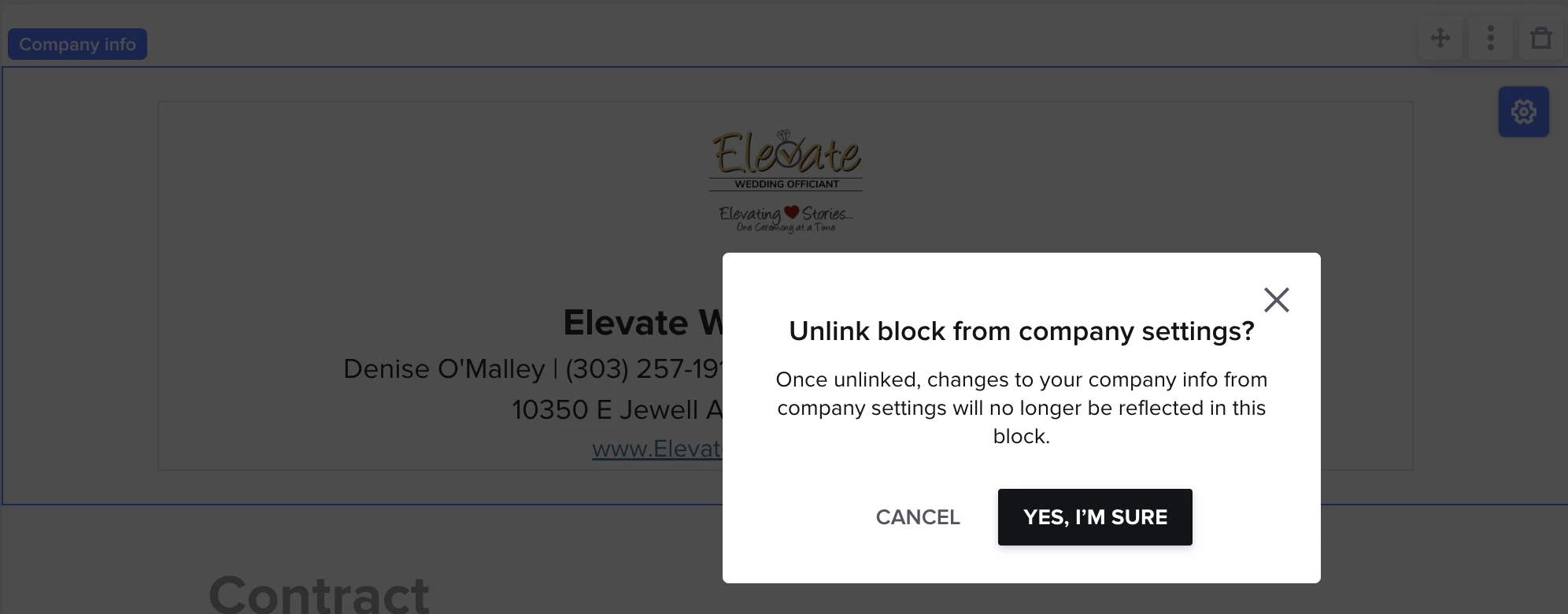
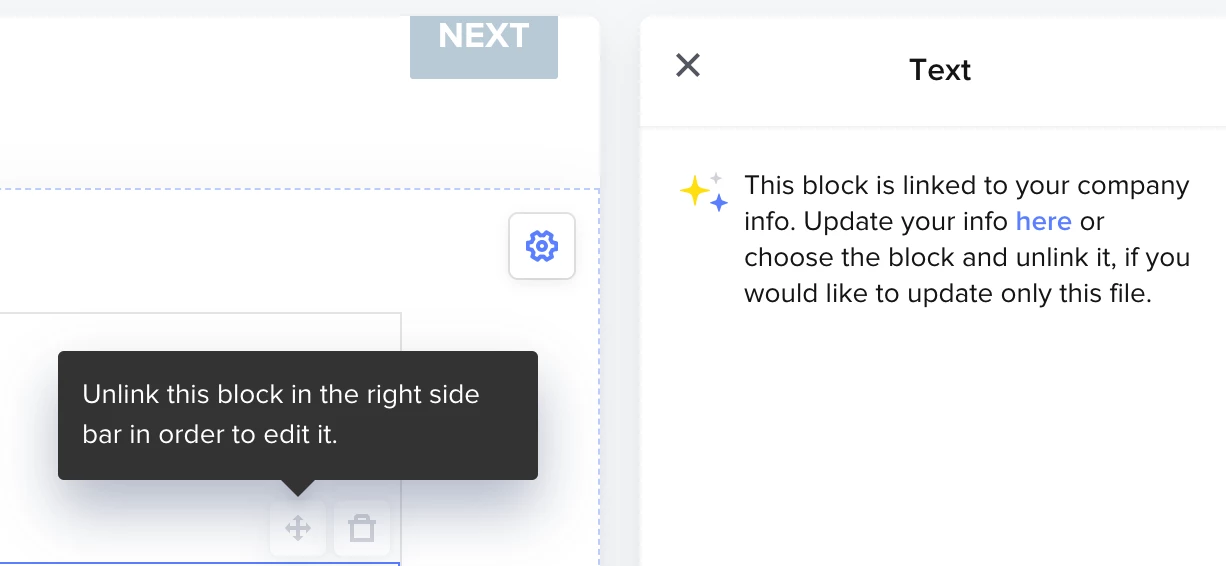
I’m trying to manipulate the program in order to populate a document I need that isn’t a contract.  It seems like a contract template is the best way to do this.  However, I do not need our logo or contact information on it as it will be an internal document.  When I try to delete it, I get the message “Unlink this block in the right side bar in order to edit it” yet what shows in the right side bar doesn’t give me this option.

Help!
 

3 replies

Denise O'Malley
Luminary
Forum|alt.badge.img

Whoops, just stumbled on the answer!  I have to highlight the WHOLE BOX (not just a component) and then it lets me do it.


Cassie H of Premier Ops Spot
Community Legend
Forum|alt.badge.img+7

Whoops, just stumbled on the answer!  I have to highlight the WHOLE BOX (not just a component) and then it lets me do it.


Yes! In Honeybook, you can click on each individual component of a SmartFile, or just outside it (a “block”), and each will open up different settings in the sidebar :) 


Cassie H of Premier Ops Spot
Community Legend
Forum|alt.badge.img+7

PS. You can also just delete that entire portion if you’d like. Just hit that little garbage can up at the top right, when that section is highlighted.