
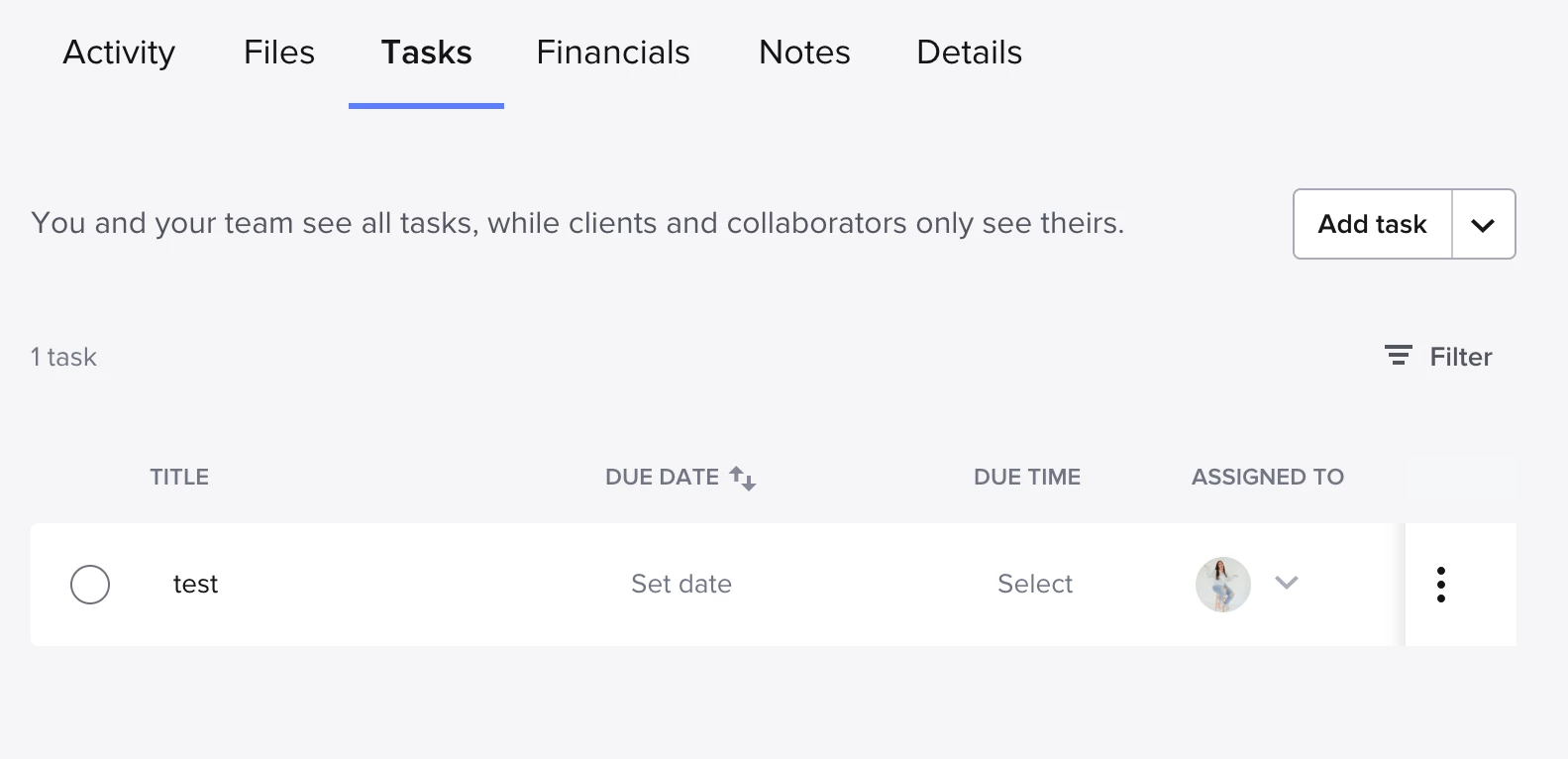
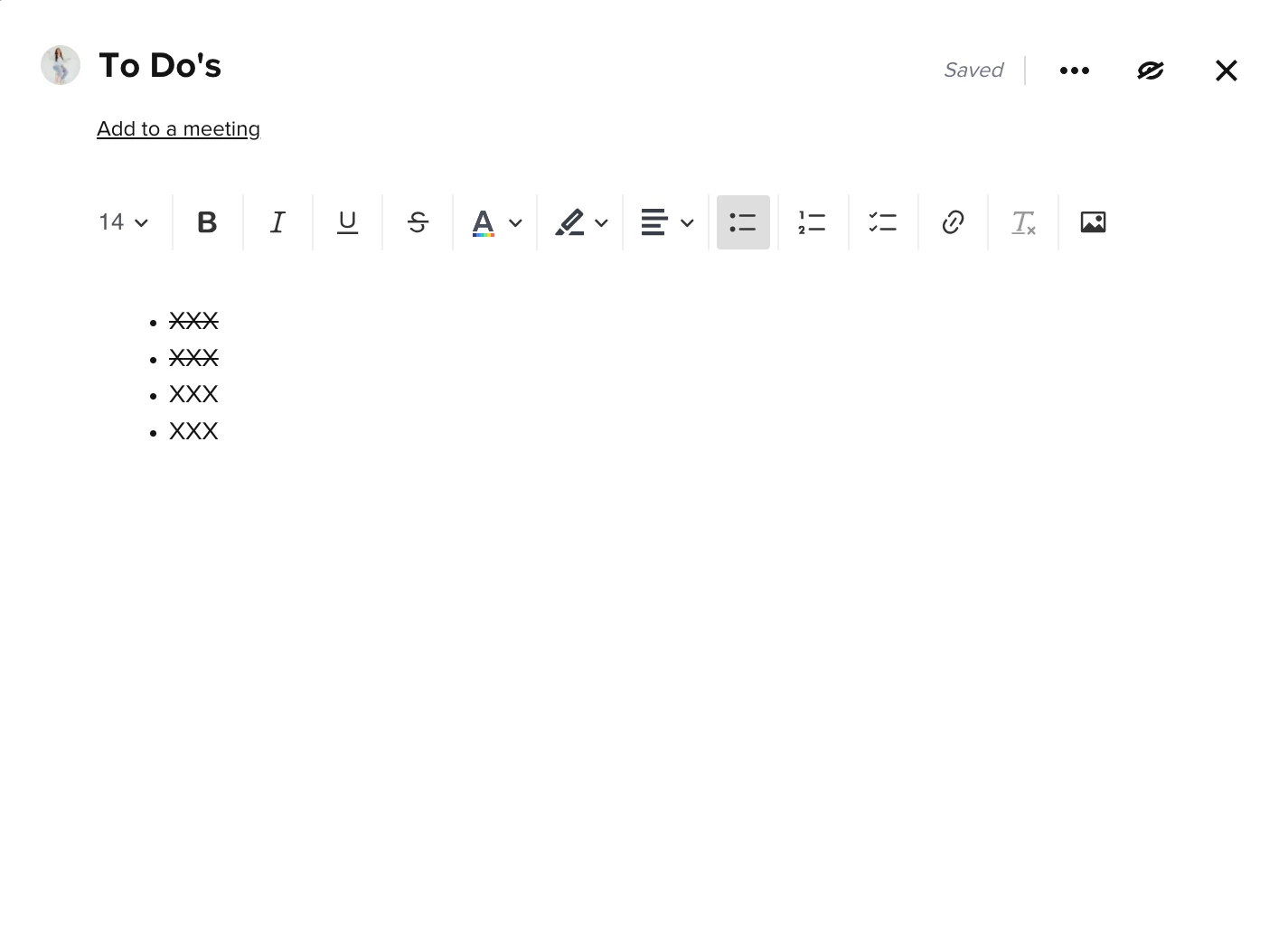
I know lately there has been a lot of conversation regarding using tasks in Honeybrook. My question for all of you is has anybody found a work around to having a list of tasks that act more like a “to do list” without a due date assigned to it? As a photographer I have specific emails I send out for all projects but I don’t want due dates assigned as I need to manually do things and every project is different with time and based on when clients respond etc. I want to have a manual To Do List as a check-off to make sure I don’t forget to send the emails in the right order. But unfortunately the tasks menu does not allow that, and everything has to have a due date assigned to it. This is frustrating I wish that they would institute some sort of simple To Do List on the side of a project that we can create once and apply it to projects versus using and automation list. Am I the only one wanting this? Has anyone found a workaround to use the tasks as a simple To Do List without having dates assigned? Shawn

Question
Creating a TO DO list versus using tasks?




Sign up
Already have an account? Login

Welcome! To join the HoneyBook Community, log in with your HoneyBook account below.
You'll confirm your username and share a bit about yourself, then you're ready to explore and connect.
Free trial? No problem. Log in with your trial credentials to join.
Already a member? Hi and welcome back!
You will see the HoneyBook login page briefly to validate your trial or account.
Employee Login
Log in with HoneyBook
Welcome! To join the HoneyBook Community, log in with your HoneyBook account below.
You'll confirm your username and share a bit about yourself, then you're ready to explore and connect.
Free trial? No problem. Log in with your trial credentials to join.
Already a member? Hi and welcome back!
Welcome to the Community
No account yet? Create an account
Welcome! To join the HoneyBook Community, log in with your HoneyBook account below.
You'll confirm your username and share a bit about yourself, then you're ready to explore and connect.
Free trial? No problem. Log in with your trial credentials to join.
Already a member? Hi and welcome back!
You will see the HoneyBook login page briefly to validate your trial or account.
Employee Login
Log in with HoneyBook
Welcome! To join the HoneyBook Community, log in with your HoneyBook account below.
You'll confirm your username and share a bit about yourself, then you're ready to explore and connect.
Free trial? No problem. Log in with your trial credentials to join.
Already a member? Hi and welcome back!
Enter your E-mail address. We'll send you an e-mail with instructions to reset your password.