Question

Customer said they choose time slot and then paid but I can't see what time slot they chose?

  • April 9, 2026
  • 2 replies
  • 6 views

Thedelkartist

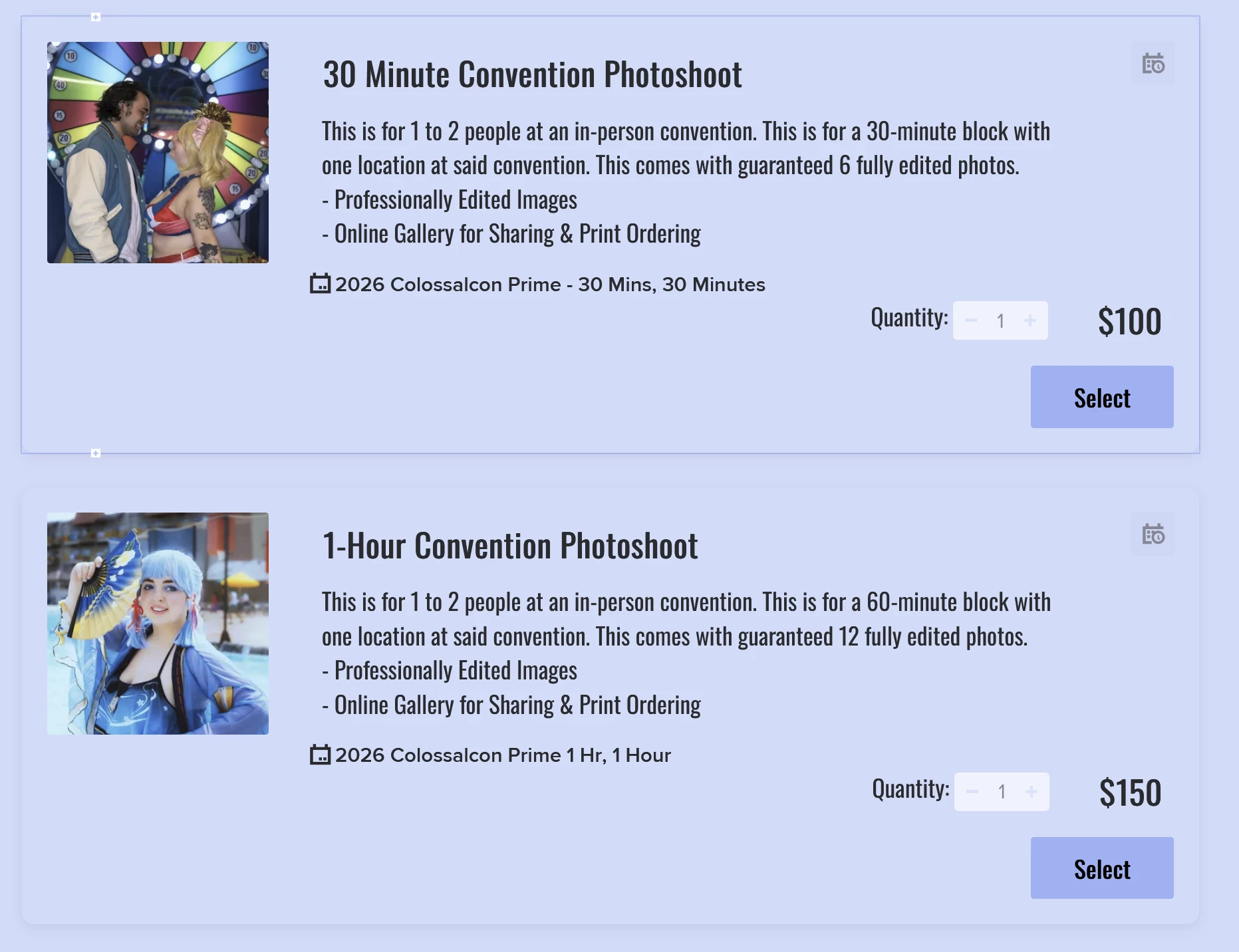
So I send a smart file for my clients to book with me. They choose a service with a session, then schedule their session, then they see the invoice, and finally pay.


I am getting notification that my clients have paid me and what session they chose. However, Honeybook won’t tell me what time slot they chose. It doesn’t show up on my calendar either? My clients are saying that they are choosing time slots on the scheduler on their smart file successfully. 


I’ve used this exact set up multiple times before so I’m unsure of what’s wrong. 


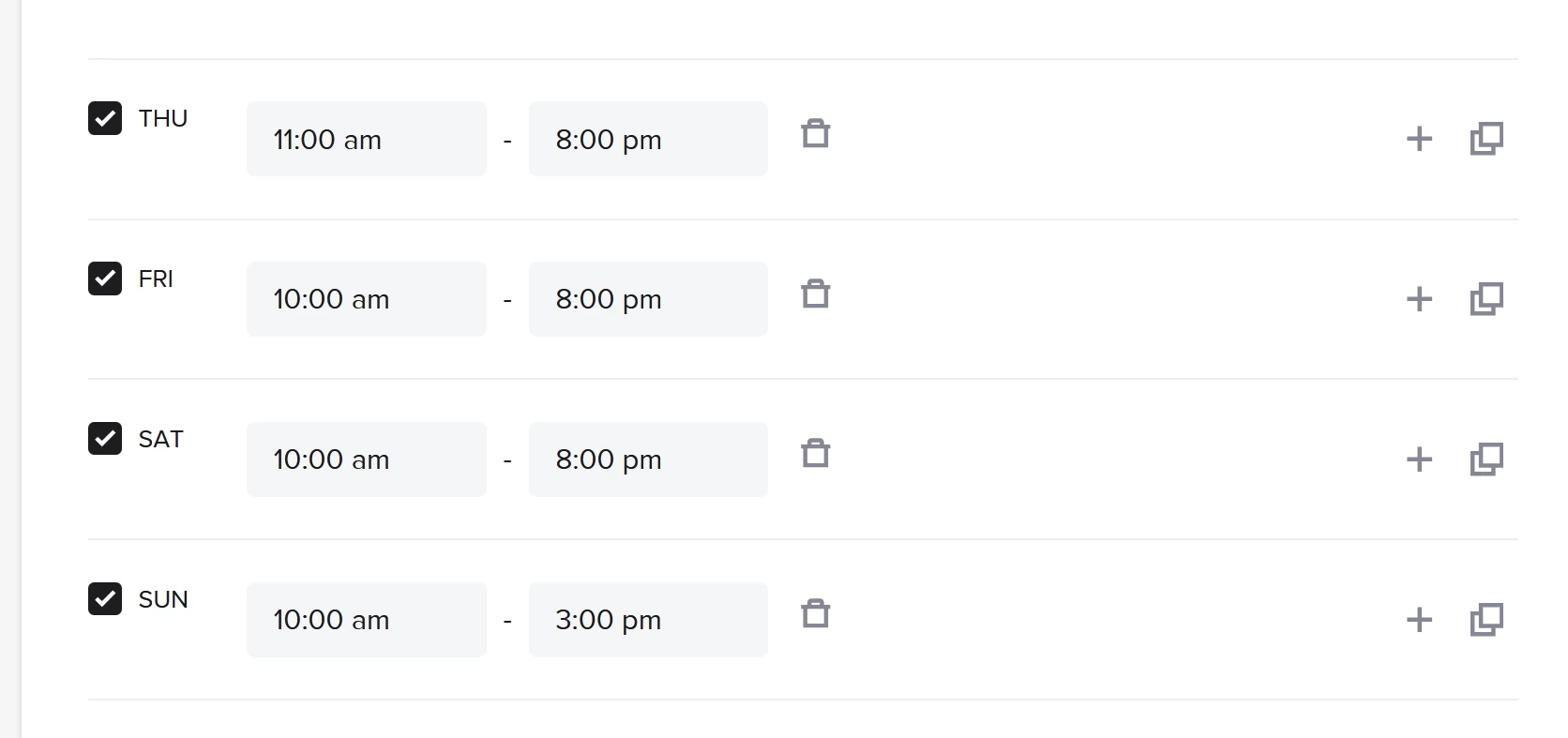
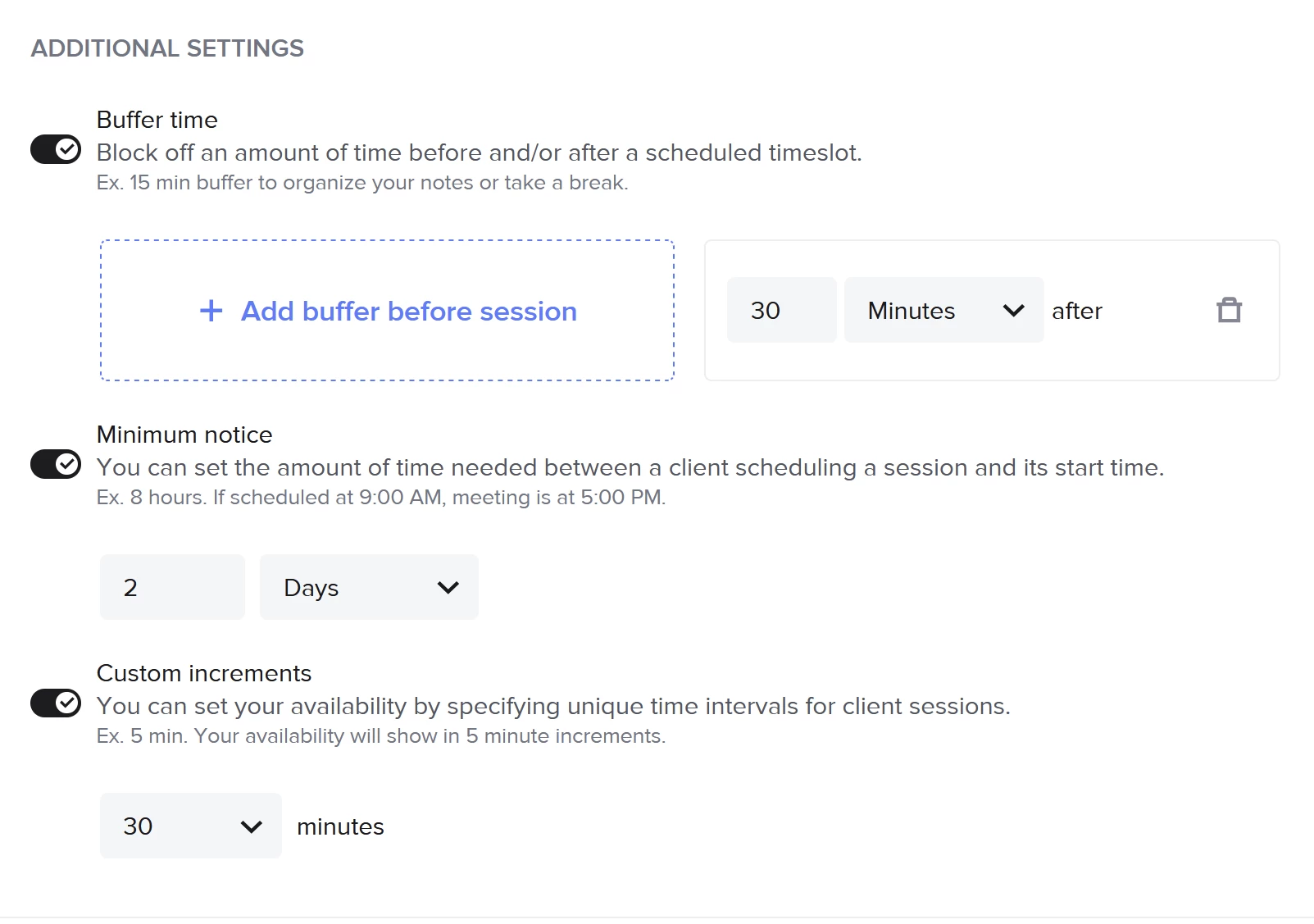
Here is my set up: 

In the smart file - 
 

The scheduler details: 
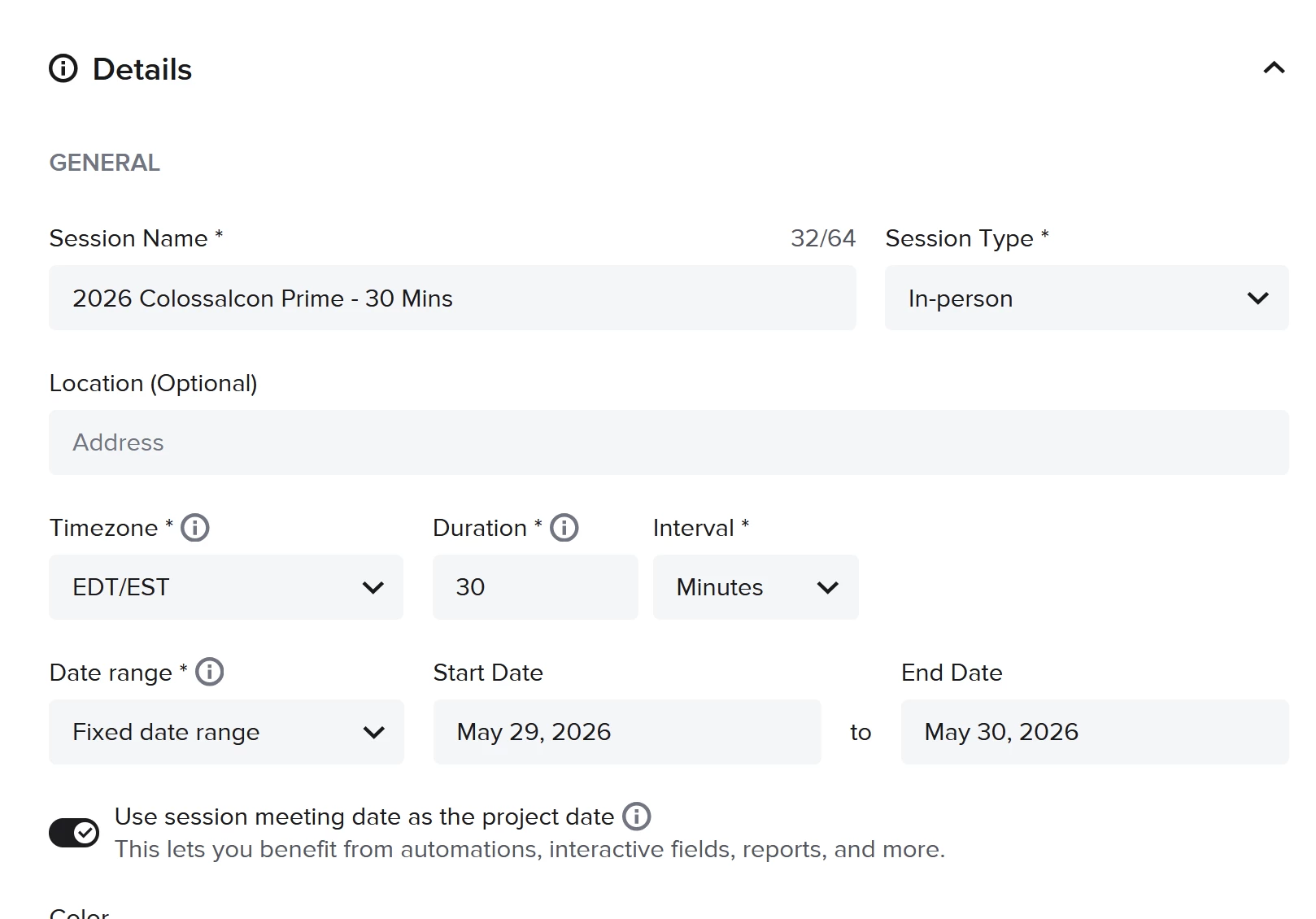
 

The only thing I believe I did different this time around when I set up the smart file is when I was editing the service with the session attached, I edited the scheduler details and instead of adding a new a new session type - I just changed the dates on the session type from last year. 


Any help is appreciated! 

2 replies

Tonisha J Stalnaker
Luminary
Forum|alt.badge.img+4

Hey there ​@Thedelkartist out of curiosity, how do you have your notifications set up?


Alicia Bauer
Forum|alt.badge.img+4

@Thedelkartist - It sounds like the scheduler may not actually be connected to the project calendar event, even though clients are selecting a time.

A couple things I would double check:

• Make sure the session type is still active and connected to the correct calendar
• Confirm the scheduler block inside the Smart File is tied to that session type and not referencing an older or inactive version
• If you reused last year’s session type and only changed the dates, it’s possible the connection didn’t fully refresh

Sometimes the quickest fix is to duplicate or create a fresh session type and reconnect it to the scheduler block in the Smart File, then test it yourself to see if the time slot appears on the calendar.

If everything looks correct and it’s still not showing the booked time, I would definitely reach out to HoneyBook support through the Help Center or the “?” in your account so they can check if something is glitching with the scheduler connection.

Hopefully it’s just a quick reconnection issue! 💛