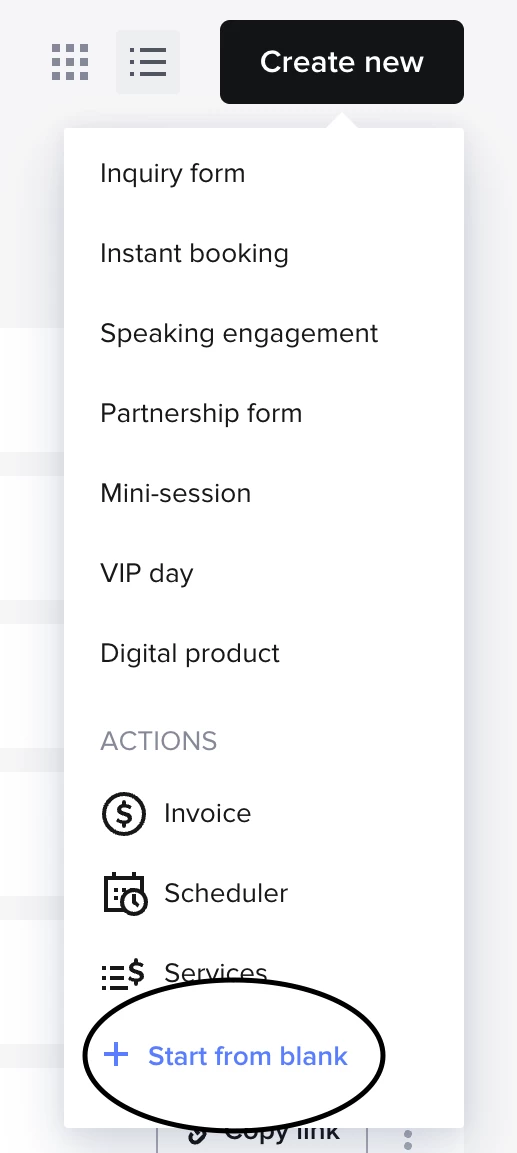


I have multiple contact forms for different types of sessions.
I am looking specifically at the contact forms that I embed on my website, not standalone lead forms. Depending on the service, I use different contact forms on my website. For example, my wedding inquiry form includes wedding-related questions, not boudoir questions.
When I create an automation, the trigger only says Contact Form Submitted, but I don’t see an option to choose which specific contact form should start the automation.
This was possible in the old automations, and I am including a screenshot showing how it was set up there. Being able to choose the specific contact form was the main thing that made this process work.
I do see an option to choose the project type, but that adds another step for the person filling out the form. Since the contact form is already created for a specific service, asking the potential client to also choose the type of session feels like extra work for them.
I also noticed that many inquiries do not have the project type filled out. That is why I am asking this question. Without this option, I still have to go into each inquiry and start the automation manually, the same way I was doing it with the old automations.
That is actually why I created different contact forms based on the service. I want to keep the inquiry process simple and clear for each client.
My question is: Is there a way to start an automation based on which embedded website contact form was submitted, instead of using the project type?
If this option is not available right now, I would like to request it as a feature. It would be very helpful for businesses that use different contact forms for different services.