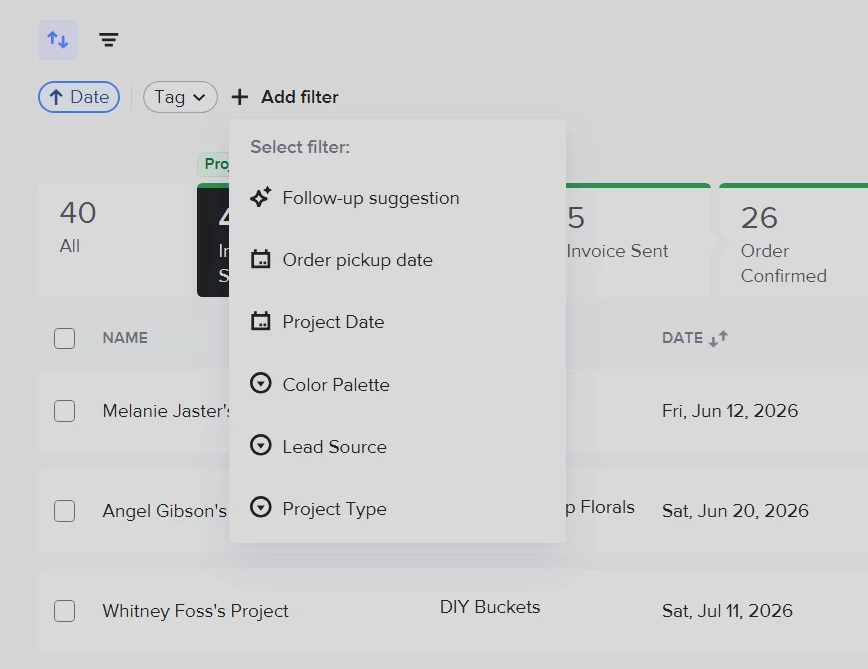
There seems to be some key missing elements to the updated project pipeline view. I have done everything within my access to make this more efficient, but at this point I’m spending too much time trying to get functional basics to work for my honeybook experience for business management vs. focusing on clients. I am wondering if I am missing something right in front of me or has anyone else had the same issues/found a solution?
- I need to see when the leads came in. I cannot sort any new inquiries by their submission date.
- The custom view of pipelines limits the filter tags sorting, there is a glitch. For example: I need to see all clients with ‘TAG A’ and ‘TAG B’ together at the same time, but when I filter my view and select both of these tags it shows zero clients. I can only view one client type tag at a time. When any two filter tags are selected - it is showing a filter as if both of those tags are a combined 1 tag, which is not the case for any client (hence the reason for applying two different tags).
- I need to see a invoice summary on the pipeline view. All of my clients have custom orders and having to open individual projects>files>invoice>view summary is a ridiculous amount of steps.