


Custom Fields

  • September 3, 2024
  • 6 replies
  • 71 views
HoneyBook custom fields feature announcement graphic showing customizable project and client data fields
Monica R
HoneyBook Employee
Forum|alt.badge.img+7

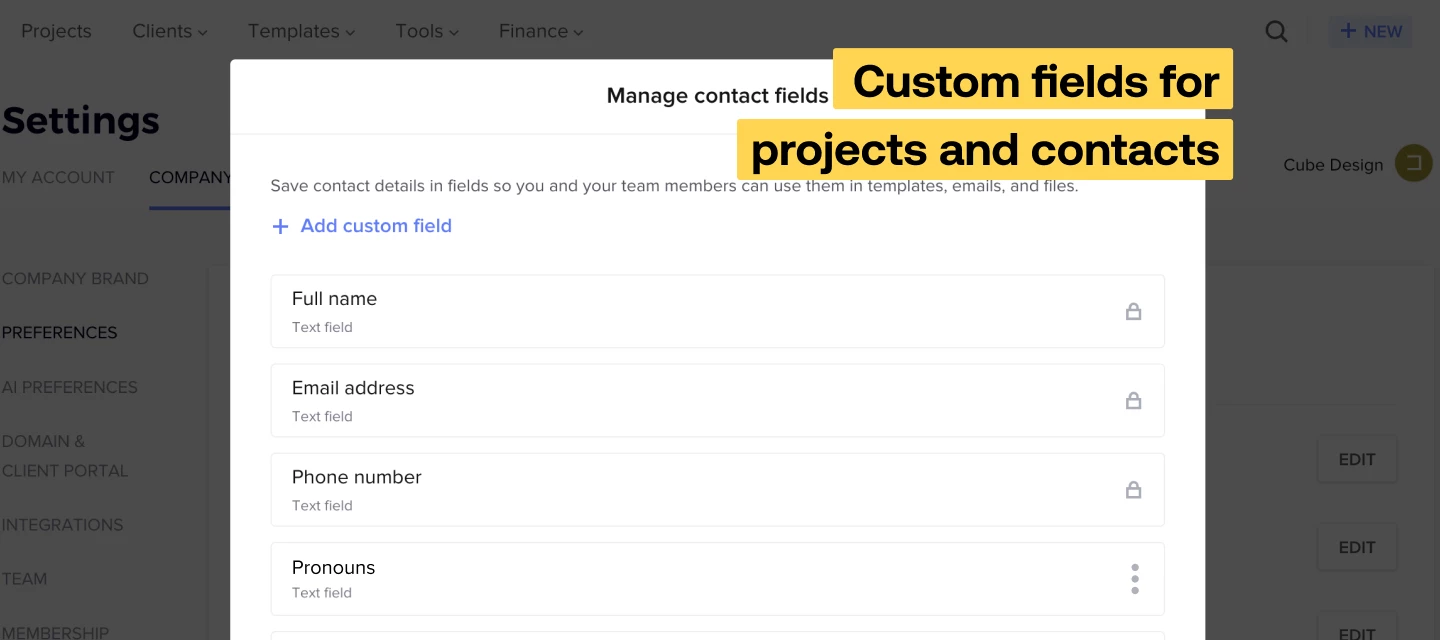
Custom fields for projects and contacts: new enhancements

Last month, we announced that you can add custom fields for your projects and contacts, and we’ve recently added some enhancements to this feature.


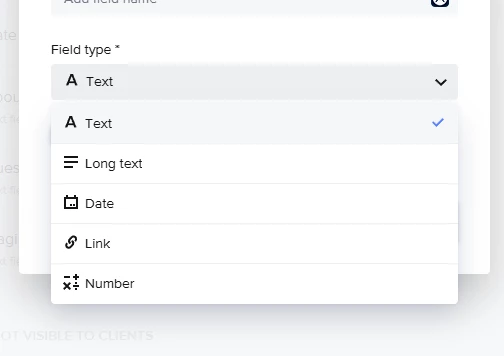
  • New field types: link and number
    In addition to text and date, you can now create link and number custom fields. Use these field types to gather key website information, phone numbers, and more. You can find these fields in your Company Preferences.
     
     
  • Custom contact fields available in smart fields
    Your smart fields list now includes any contact custom fields you create. Gather or manually enter these contact details; then add a smart field to your contracts, text blocks, and emails so the information effortlessly populates. You can sent up the custom contact fields in your Company preferences. The details will show in each of your client’s workspaces.
     
     
  • Add custom contact and project fields in linked questions
    Now, you can pull contact custom fields into linked questions in your smart files and lead forms–which means you can collect these custom details, then have client-specific information appear in your contracts, text blocks, and emails.


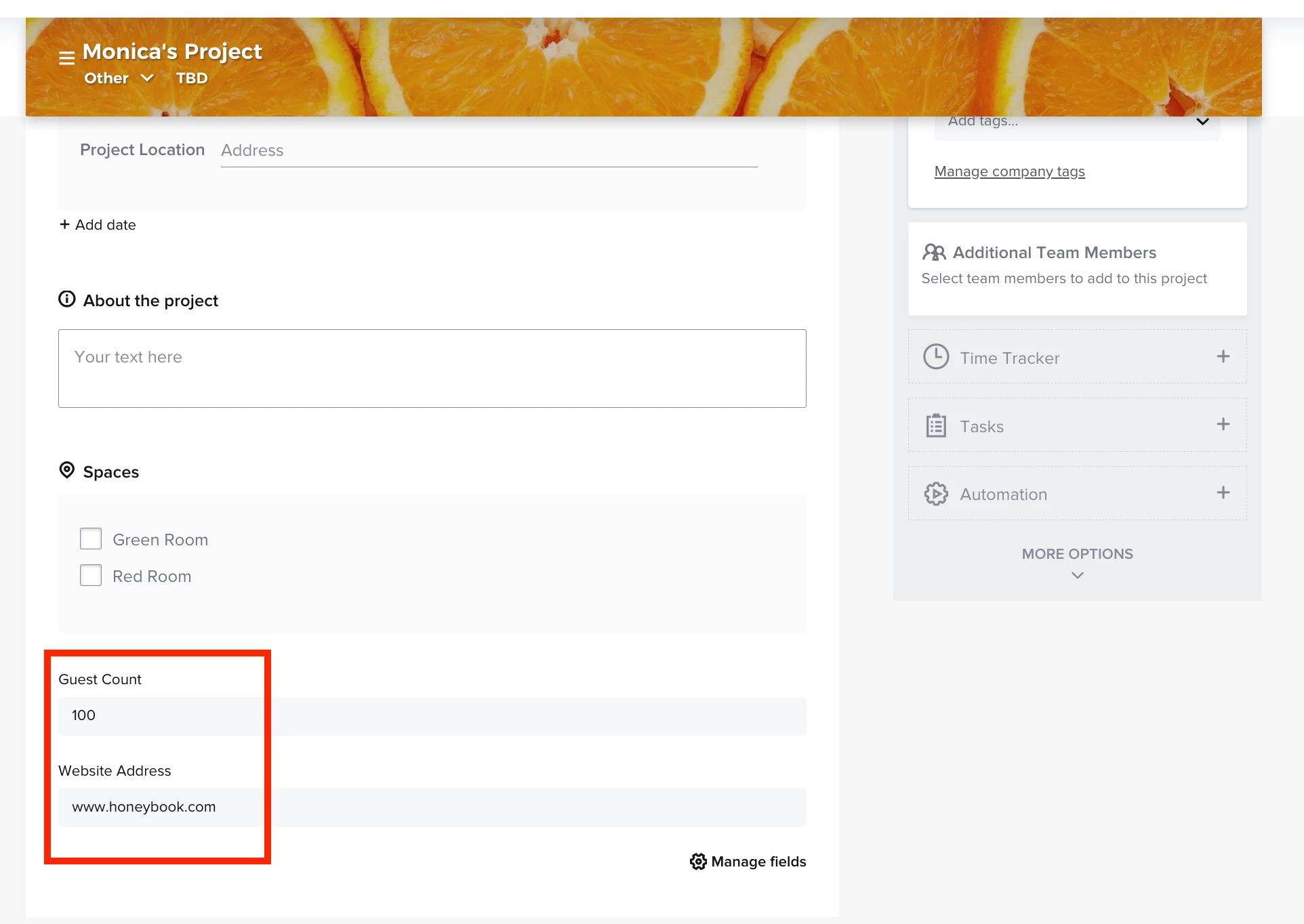
    Project fields will show in a project’s Details.
     

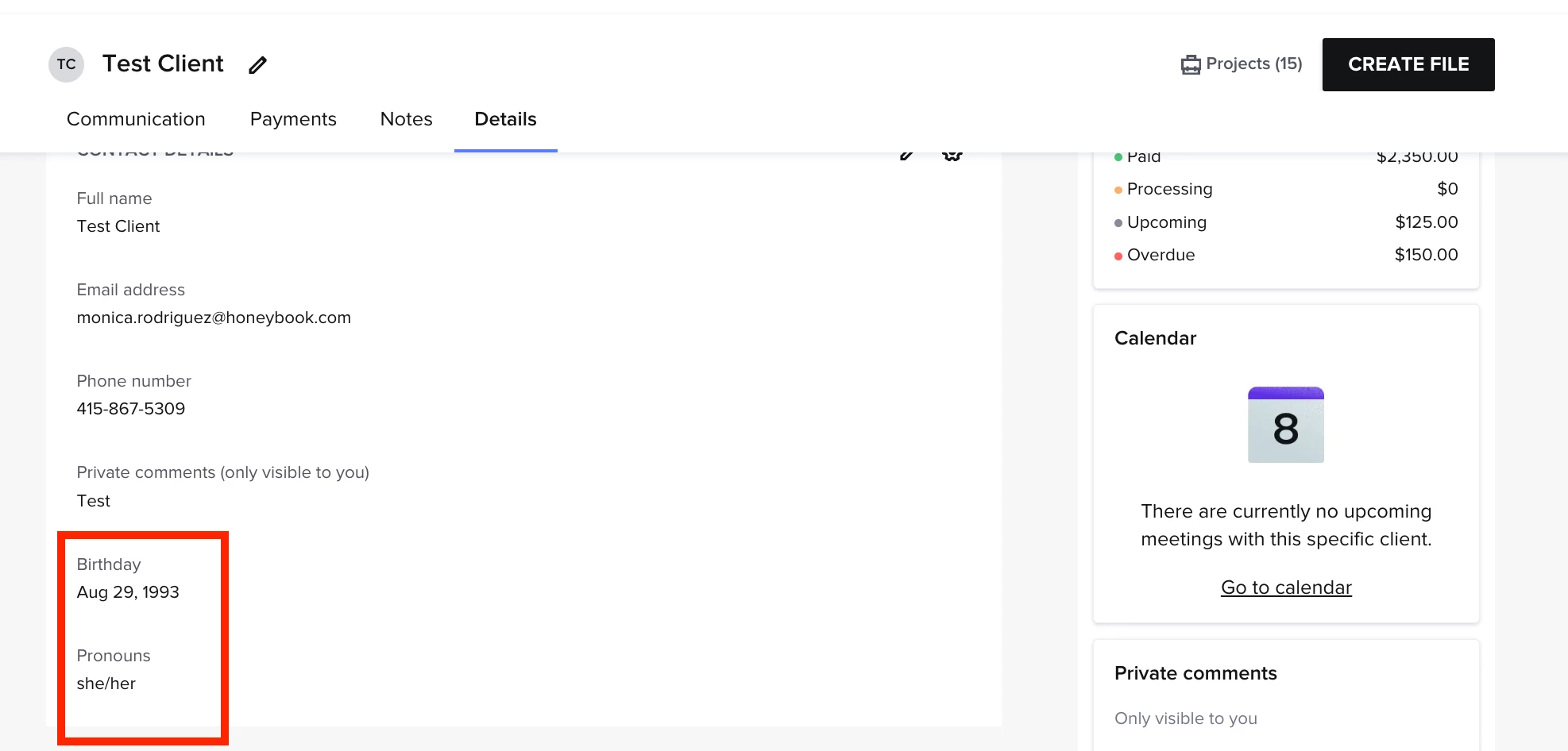
    Contact fields will show in a client’s workspace. 
     

6 replies

richardtorresmagic

@Monica R Hey i was wondering - this only works with lead forms right? It doesn’t work with contact forms? I’m using a honeybook contact form on my website and made a custom dropdown field called “Service Choice”. I also made a custom field for projects. But i can’t seem to connect my service choice dropdown field I made in my contact form to my custom field in my projects. Dropdown type isn’t an option when connecting them.


Monica R
HoneyBook Employee
Forum|alt.badge.img+7
  • Author
  • HoneyBook Employee
  • September 25, 2024

Hey @richardtorresmagic! That’s correct - they will only connect to lead forms. Good news is, Lead forms can now be embedded so it can totally replace your contact form! 


richardtorresmagic

Ah that’s great I may have to do that then. My other question was more on the options for connecting the fields. So in my custom field in my lead form it’s a dropdown. When i create the custom field in my project settings and try to connect that to the dropdown in my leadform I can’t because the dropdown option isn’t available. This is the screenshot: @Monica R 

So when the dropdown is selected in the form it can’t connect to anything because it’s not an option in the field type to connect it to.


Monica R
HoneyBook Employee
Forum|alt.badge.img+7
  • Author
  • HoneyBook Employee
  • September 25, 2024

Hmm, interesting. I am going to connect you with our Support team to help you figure this out! They’ll be able to explore what is going on a bit more than I can :) 

Someone will be in touch with you soon! 


Kate Merrill
Forum|alt.badge.img
  • Newcomer
  • December 9, 2024

It would be really nice if these custom fields for contacts could be more visible from the project area. I’d love to be able to use them for client pronouns, but they are so buried it takes 3-4 clicks to find them. Would love for it to show in the main area of the project above the image bar. Maybe just make a pronoun field that we can use that shows after people’s names in parentheses? Like Kate Merrill (she/her). 


jwebley
  • December 27, 2024

@Monica R - can we expect to see smart fields and custom fields for a contact’s organization  at some point?

It's great to access custom fields for the client contact, but there are times where I need to insert organization level contact info into contracts.  (e.g. Legal Address of the organization).

In a world where many businesses and people operate remotely, its not uncommon for the primary POC for an organization to be completely “decoupled” from the organization’s physical location.

My use case is:

Capturing information regarding where to mail a Client Contact materials.  Capturing information on where the Client organization is legally organized. Capturing information where a project is taking place. Inserting that information into a contract via a smart fields.