


Feature release bundle: manage projects

  • January 30, 2024
  • 8 replies
  • 274 views
Feature release bundle: manage projects
Akua K
HoneyBook Employee
Forum|alt.badge.img


Managing your projects just got a whole lot easier! 


This week HoneyBook Pro @Kristi DaSilva is highlighting our latest feature releases! From more accessible ways to communicate with your clients to tracking your pipeline, enjoy these new features to improve your project management! 


You can now: 

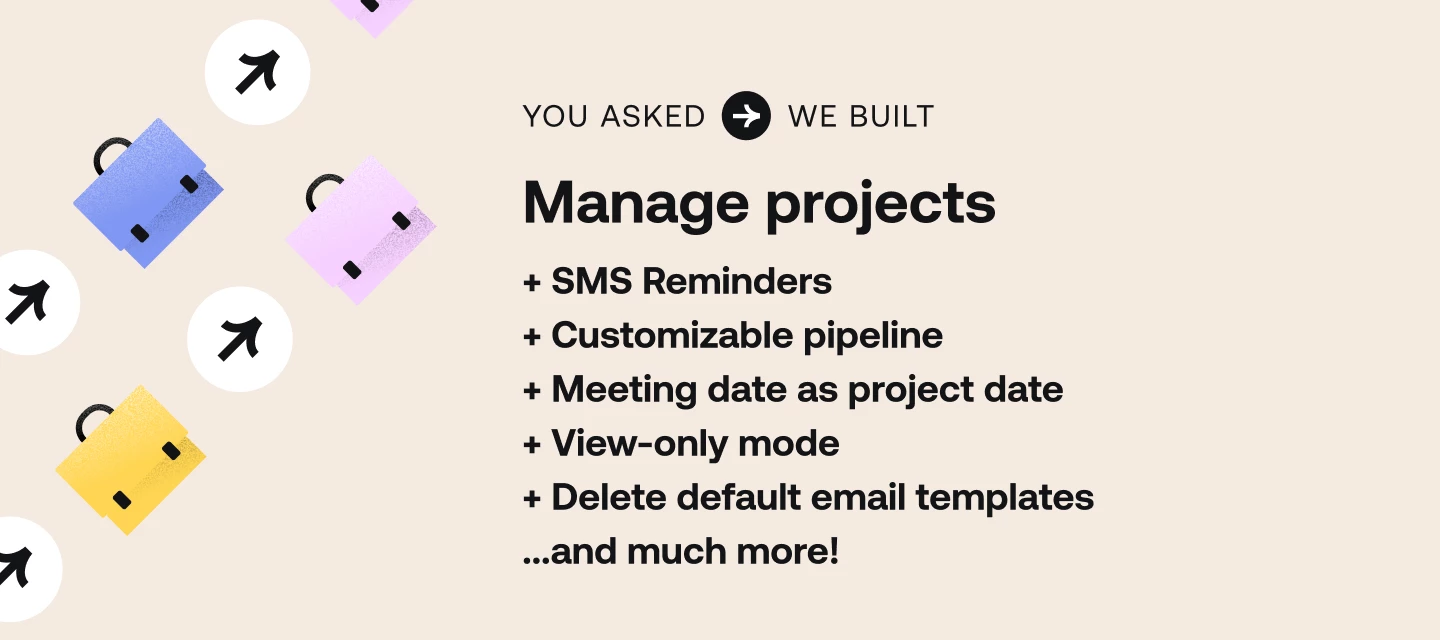
  • SMS reminders: Clients can now receive SMS notifications after inquiring through your contact forms and lead forms.
  • Fully customizable pipeline: Rename, reorder, and remove stages. 
  • View-only mode: Allows clients to share view-only files that cannot be edited. 
  • Set meeting date as the project date: You can now use the date a session is scheduled as your project date. 
  • Remove default email templates: Keep your account organized. 


That's not all! You can also: 

  • Bulk-add team members to projects: Assign projects faster.
  • Time zone displayed to your calendar: See timezone references throughout the calendar. 
  • Enhanced workspace navigation: Now, whenever you navigate to a project workspace, you will automatically land on the "Activity" tab unless you create a new project.
  • Pipeline automation updates: Take the manual work out of moving projects forward. 
  • Weekday date formats: Weekdays are now part of the date format.


Learn how to implement these new features by visiting our latest blog post! 

 

8 replies

Jay C
HoneyBook Employee
Forum|alt.badge.img+1
  • HoneyBook Employee
  • January 30, 2024

These new features are so exciting! 😍


Akua K
HoneyBook Employee
Forum|alt.badge.img
  • Author
  • HoneyBook Employee
  • January 30, 2024

Yess! The SMS feature if my favorite!! 🙌🏿


Samuel and Monica Walker

Hey thank you for the customization option.  However it doesn’t help us too much.  What we need is to be able to have two pipelines.  One for regular clients and one for Face Book Ad clients.  


No matter how we try it gets very confusing having only one pipeline for two workflows.


Akua K
HoneyBook Employee
Forum|alt.badge.img
  • Author
  • HoneyBook Employee
  • February 6, 2024

Hey thank you for the customization option.  However it doesn’t help us too much.  What we need is to be able to have two pipelines.  One for regular clients and one for Face Book Ad clients.  


No matter how we try it gets very confusing having only one pipeline for two workflows.

Hi Samuel and Samantha, 


Thank you so much for your feedback! I want to encourage you to submit a feature request or comment on the feature request asking for this. 


Brenda Burnett

Hello,


Regarding customizing the project pipeline, it says you can add up to 20 stages in the pipeline.  Does that mean a total of 20?  Or you can add 20 to what you already had?  I have 35 stages and it won’t save.  Is it because I have too many?  What is the max number?   It would be great if there wasn’t a max number, fyi.


Thank you,

Brenda


Brenda Burnett

One other question - can you add additional automations?  Or do you only get the six that are present?


Thank you!

Brenda


Kait former community manager
Creative Icon
Forum|alt.badge.img+6

Hi all who are following this thread! Kait from the team chiming in to let you know that @Mac H hosted a great webinar (replay available) today on the last 2 bundles of feature releases. She started a new post here to gather questions about the new features and how they can be utilized. So if you have any questions about the 30+ new features released over the last month, feel free to pop those questions into the comments there so Mac can start answering! :) 


Richard Paul Arsenault

How can I remove a client that I accidently added to a project?