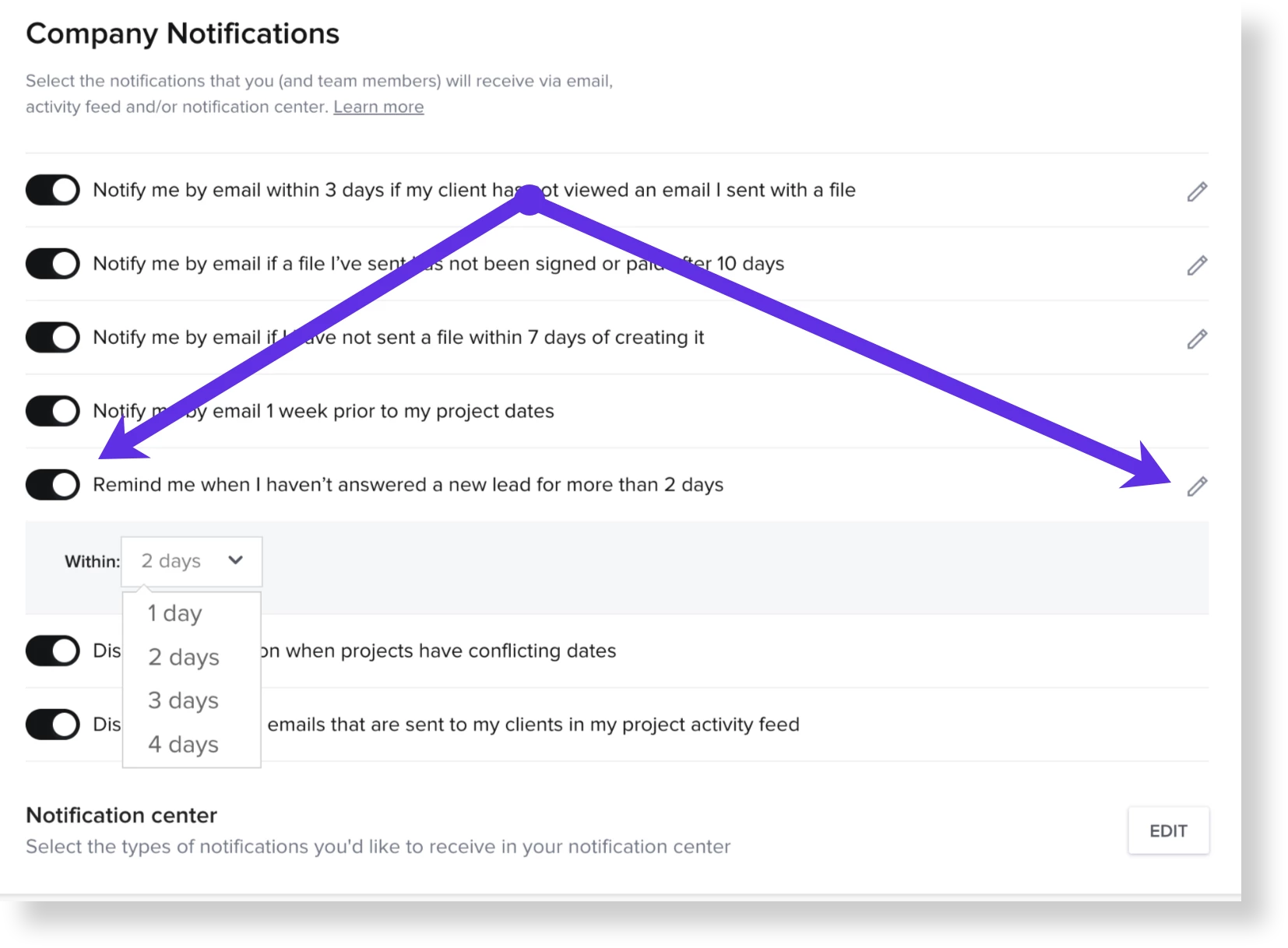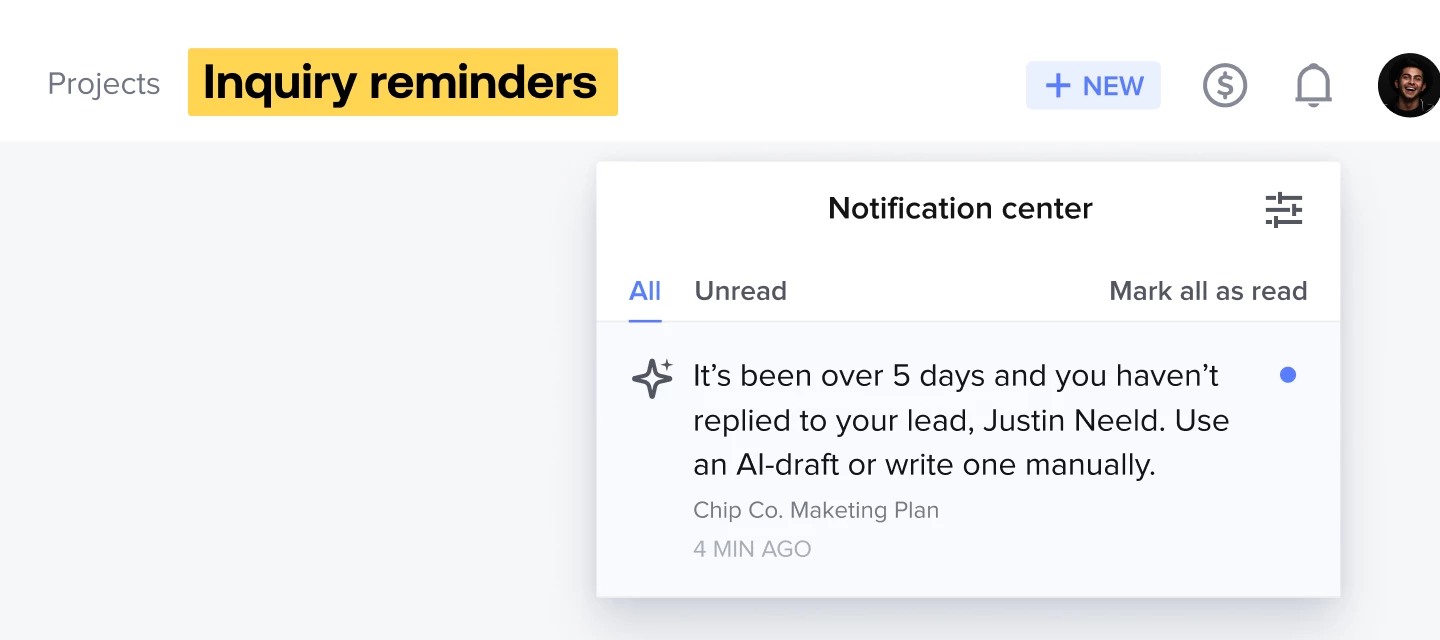



Make sure you never accidentally ghost a potential client with inquiry reminders. When you configure and use inquiry reminders, you’ll receive a notification whatever number of days you set—we recommend two!–after a lead has gone unanswered. From there, reply with the help of the AI composer, which uses details of the inquiry so you can follow up quickly and professionally.
The reminders will show up
-
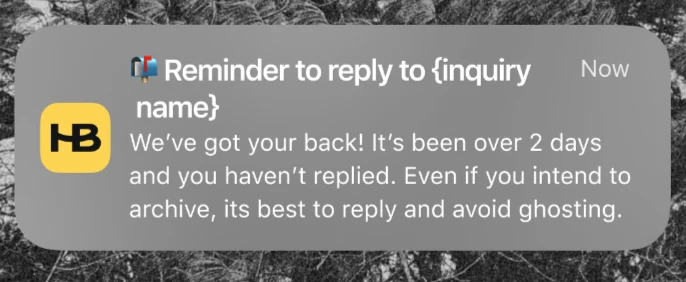
As a mobile push notification (if you've enabled mobile push notifications)
-
In your Notifications tab on the mobile app
-
In your notification center on desktop, under the bell icon
-
As an email reminder, sent to the email on file for your HoneyBook account
You can adjust the reminder settings from your Company settings.