

Introducing a Simpler Way to Navigate HoneyBook 🚀

  • March 12, 2025
  • 29 replies
  • 201 views
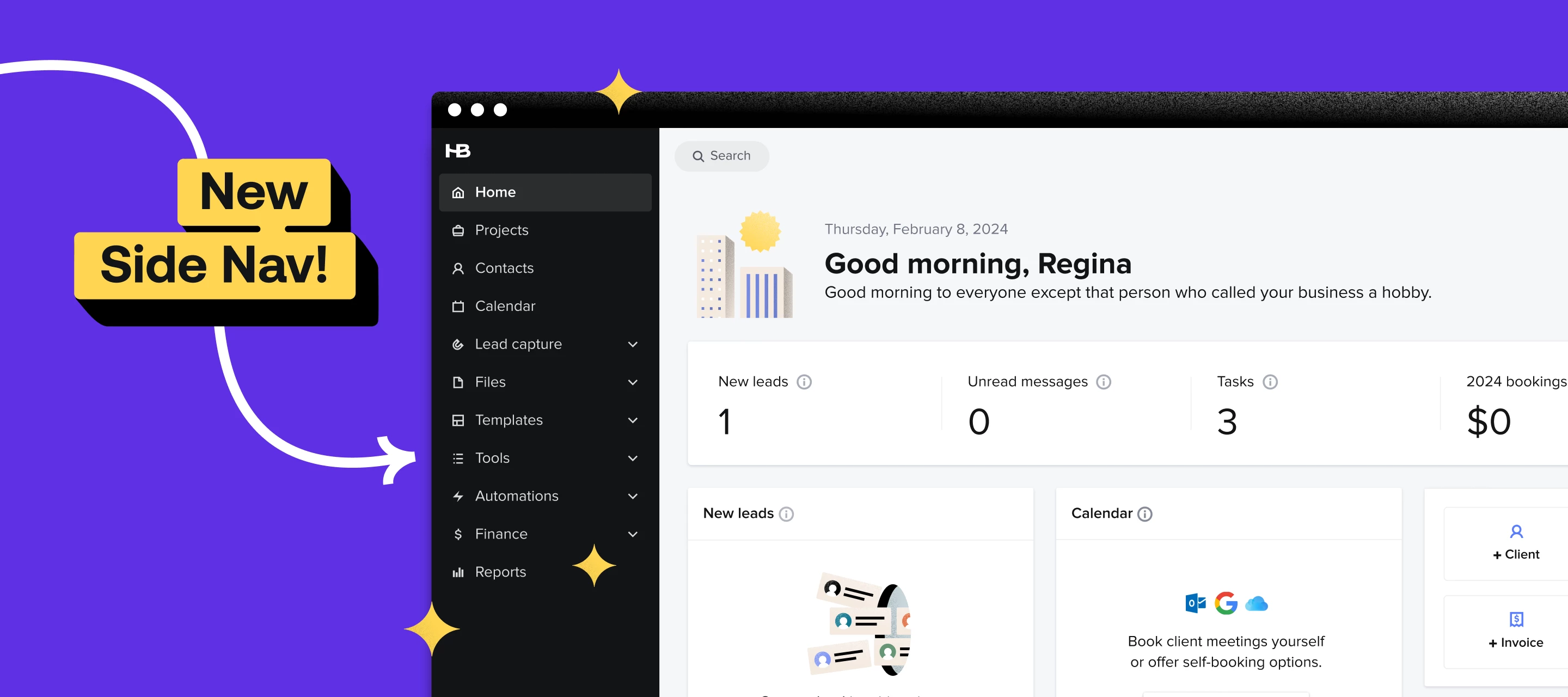
HoneyBook navigation redesign announcement graphic showing simplified app menu and layout
Show first post

29 replies

Jenna Deason
Forum|alt.badge.img

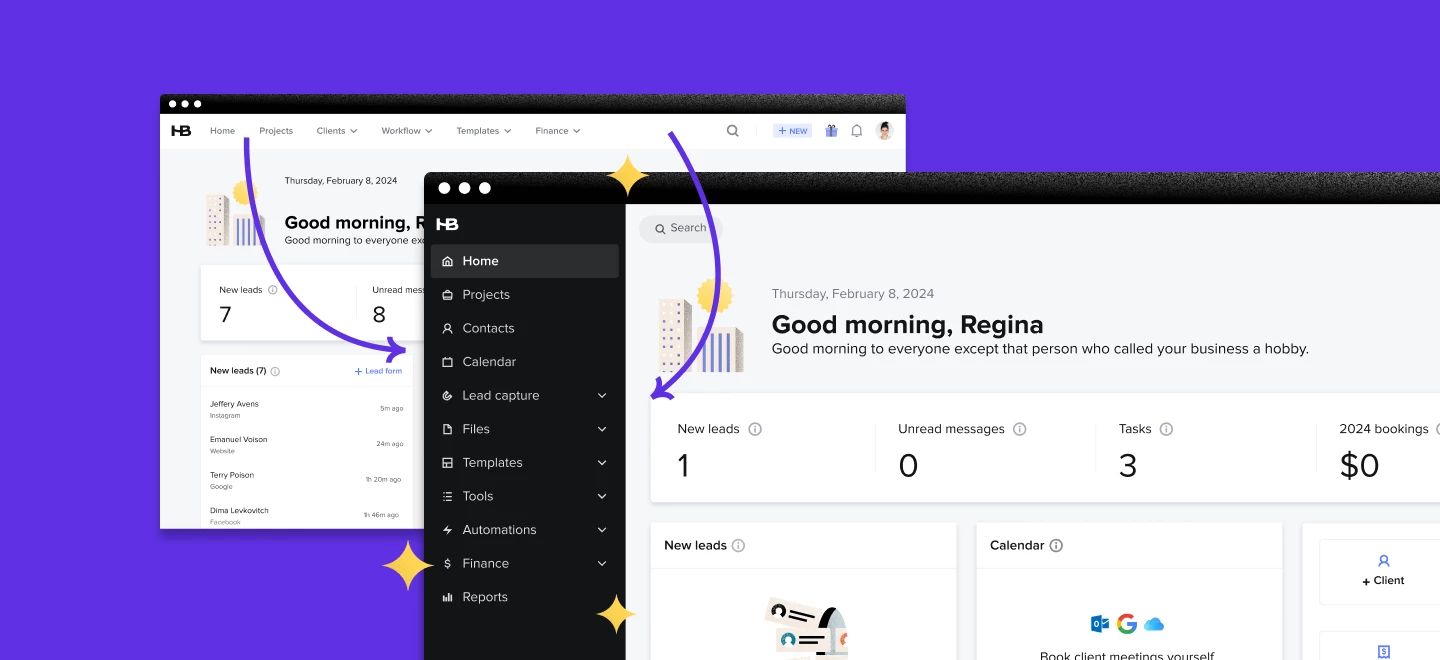
I hate the sidebar. I have to wait for it to pop up to select what I want (on the old layout I could just click and go) and when I’m trying to click leads it pops over them so I accidentally click navigation items instead of the project I want to open. Luckily I found the option to keep it open constantly to work around that issue.

I honestly don’t care if the menu is vertical or horizontal, but you continually roll out these new features with no warning to users, so we come in to work and everything is different. Then we waste time figuring it out. It would be nice if these “updates” were shared via emails before hand so we knew changes were coming. But I guess we should just expect change every time we log in these days.
And I’m still annoyed that you keep focusing on all these “improvements” when you still can’t show the transaction fee on the payment receipt! I’m pretty sure that change would be super easy to do compared to the “new features” you keep launching to encourage upgrades. But that doesn’t generate revenue so why pay attention to those requests right?


Monica R
HoneyBook Employee
Forum|alt.badge.img+7
  • Author
  • HoneyBook Employee
  • July 1, 2025

Hey ​@Jenna Deason

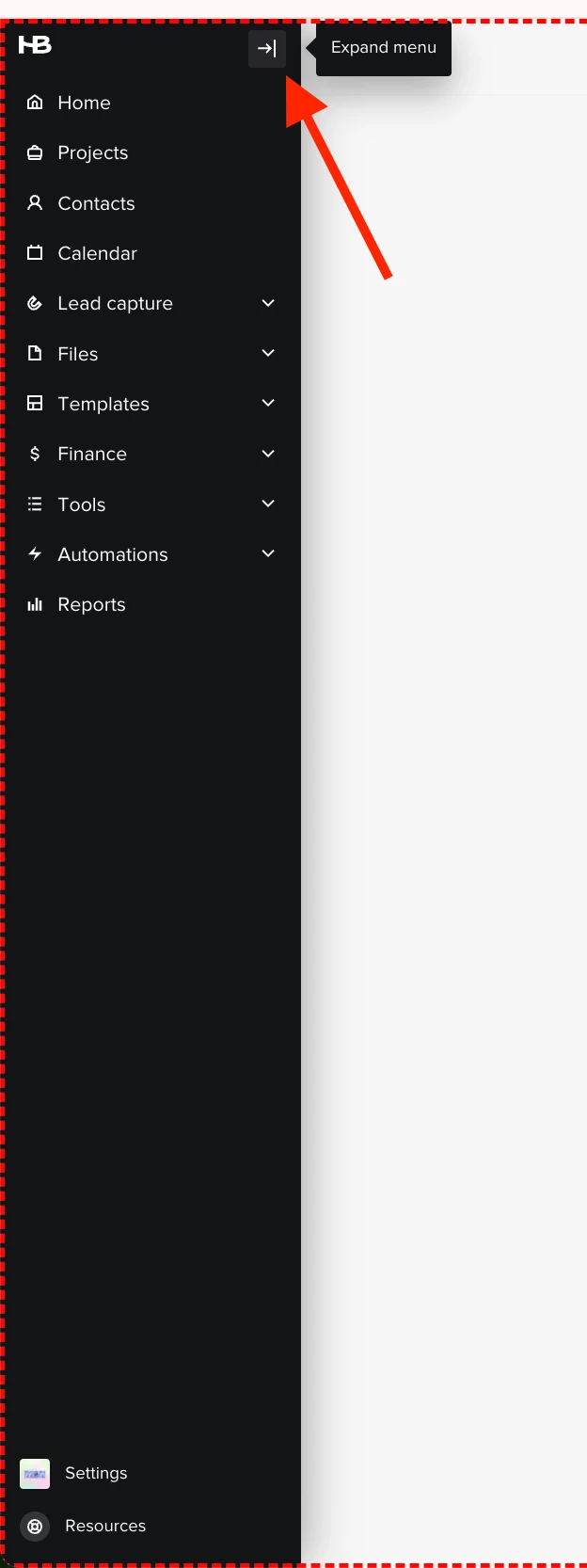
You’re able to lock the sidebar so it stays open by selecting “Expand menu” 


Jenna Deason
Forum|alt.badge.img

@Monica R  - I had just updated my comment to say that I had found that option. But what about notifying users of upcoming changes so they are prepared or getting that transaction fee displayed in the project?


Jenna Deason
Forum|alt.badge.img

@Monica R the expand menu feature doesn’t stay on so I have to select it every time I’m in the platform. It’s super annoying. Could we change it to be constant based on the selection?