


Introducing Lead Forms – The Game Changer for Your Booking Experience!  @everyone
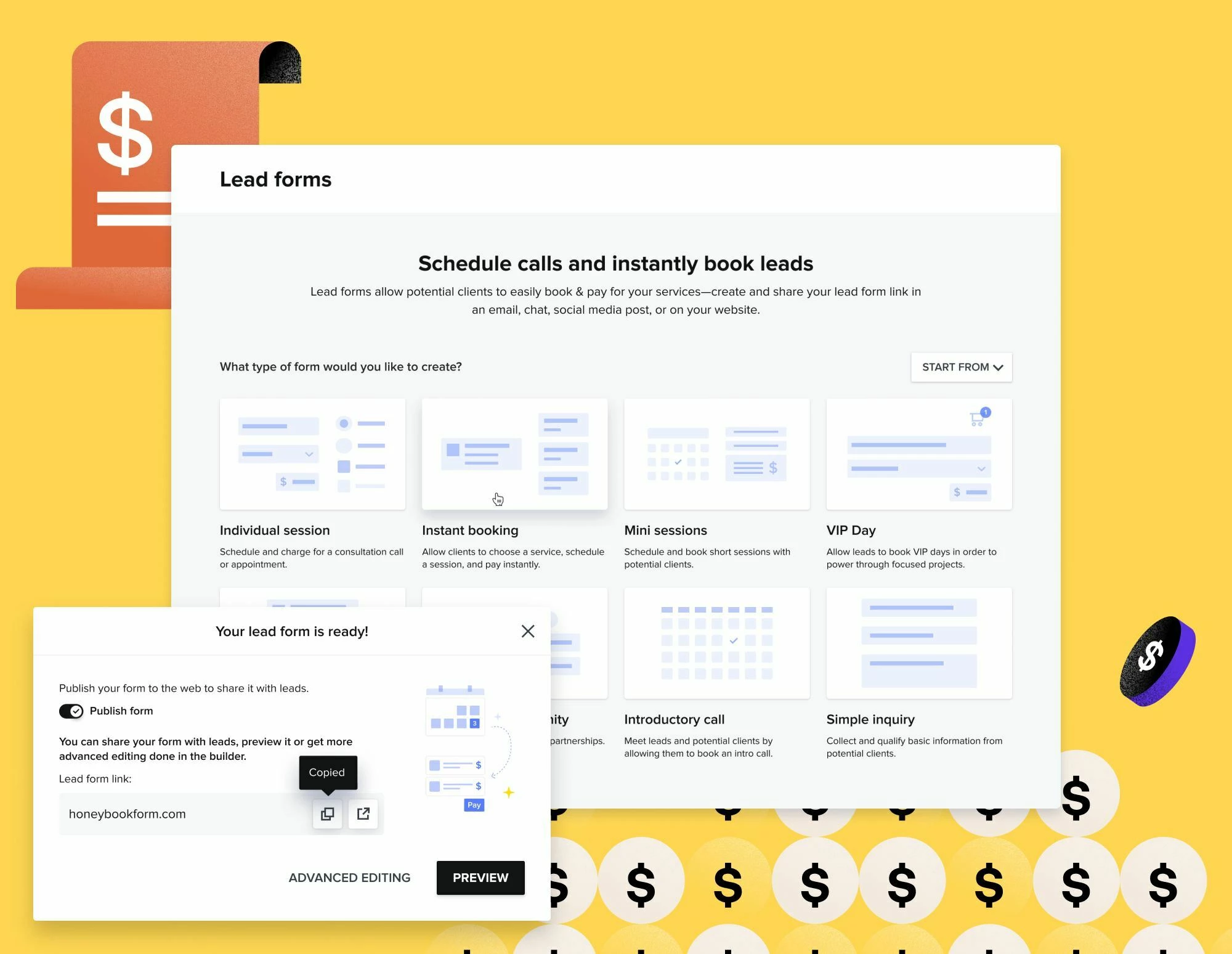
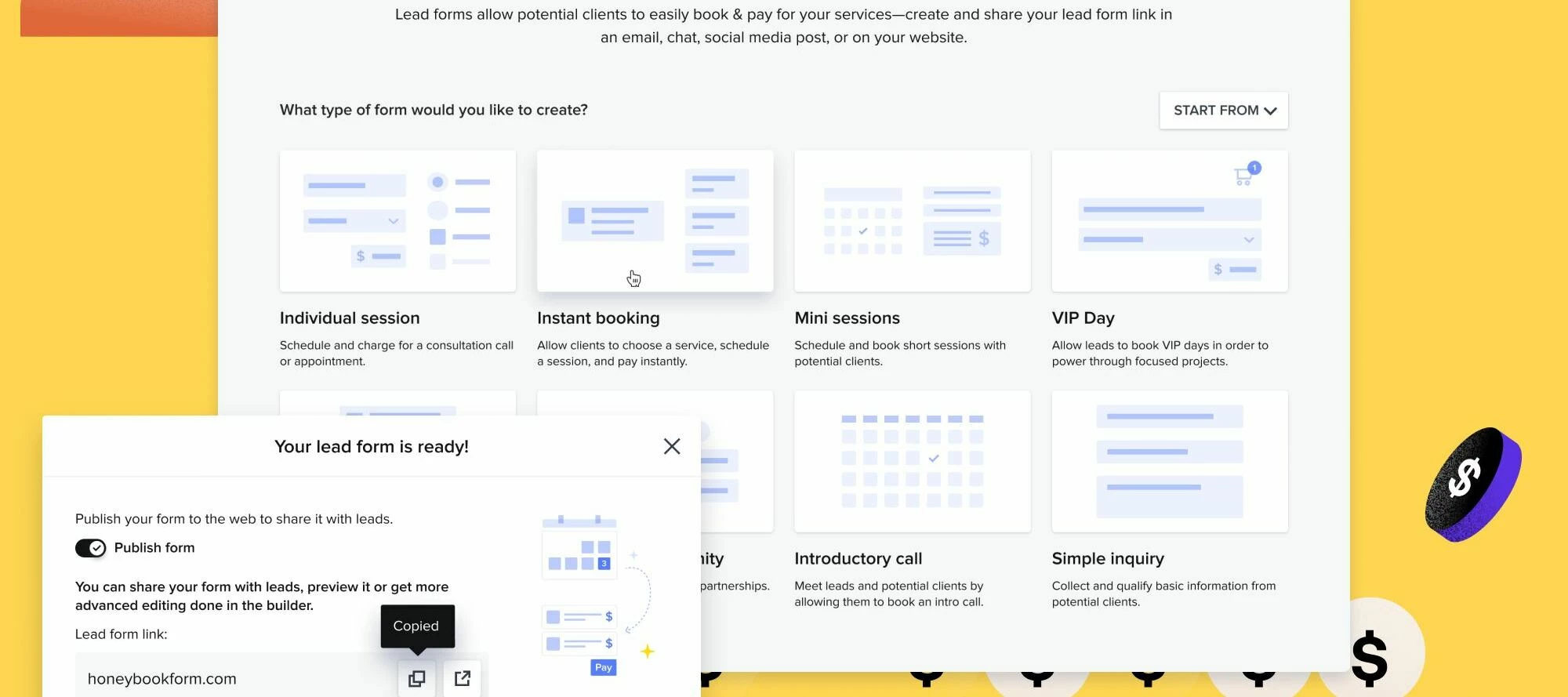
Now, book and convert leads instantly through all of your channels using lead forms. Charge for your services from multiple leads or clients using just one lead form. No need to create a contact or a project ahead of time!
 Book instantly. Charge for your services from the very first touch point.
 Capture and qualify leads. Bring your leads into HoneyBook to manage in one place.
 Save time and reduce friction. No more emails back and forth before securing a lead.
Ready to create yours? Click here!
Not sure where to start? Check out our Lead Forms Help Center article.
Showcase your brand by dropping a link to yours in the comments below! We’d love to see yours