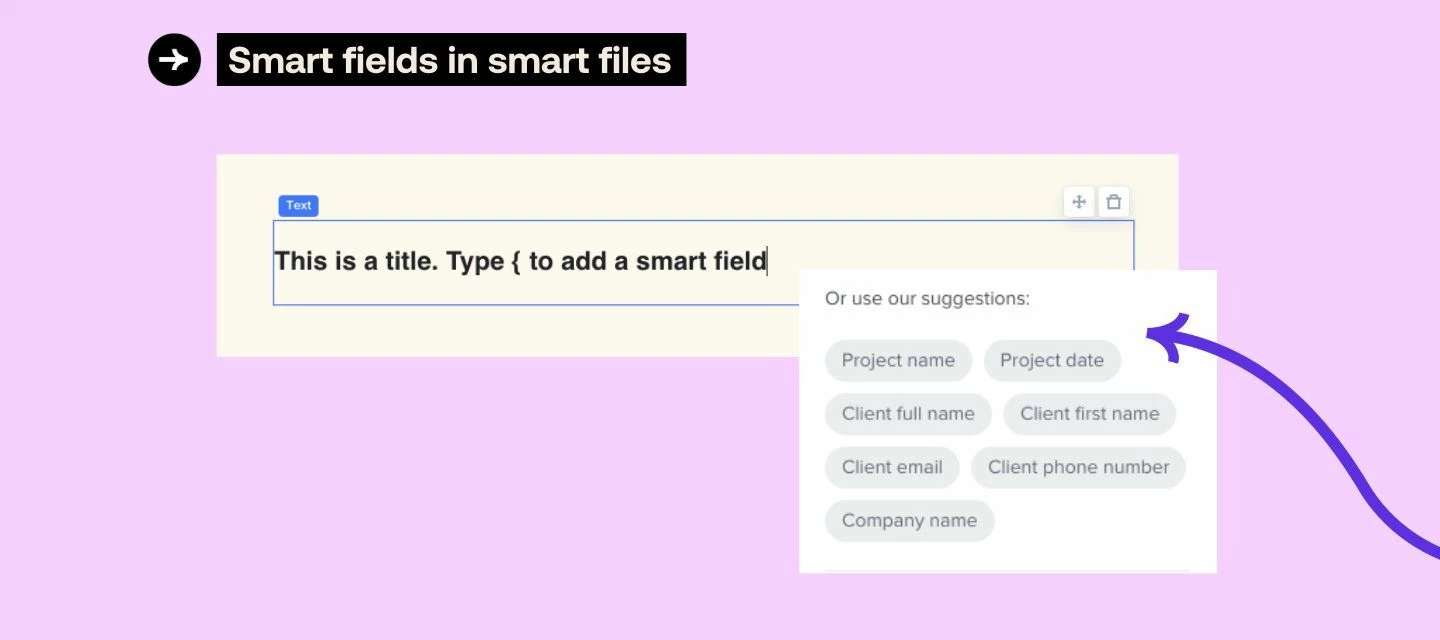



With smart fields in text blocks, you can now create more personalized and dynamic content customized to specific criteria or data points of your choice.
This new functionality is designed to make it easier for you to streamline the file-sharing process, delight your clients with tailored details, and save time for everyone!
How does it work?
When inside of a smart file template, select a text block, and either type the { symbol to reveal your field options or select from the list in the right hand menu.
Now when you use that file template in a project, client and job specific details will automatically populate!
Learn more about how to add smart fields to your files here.