


More features this May
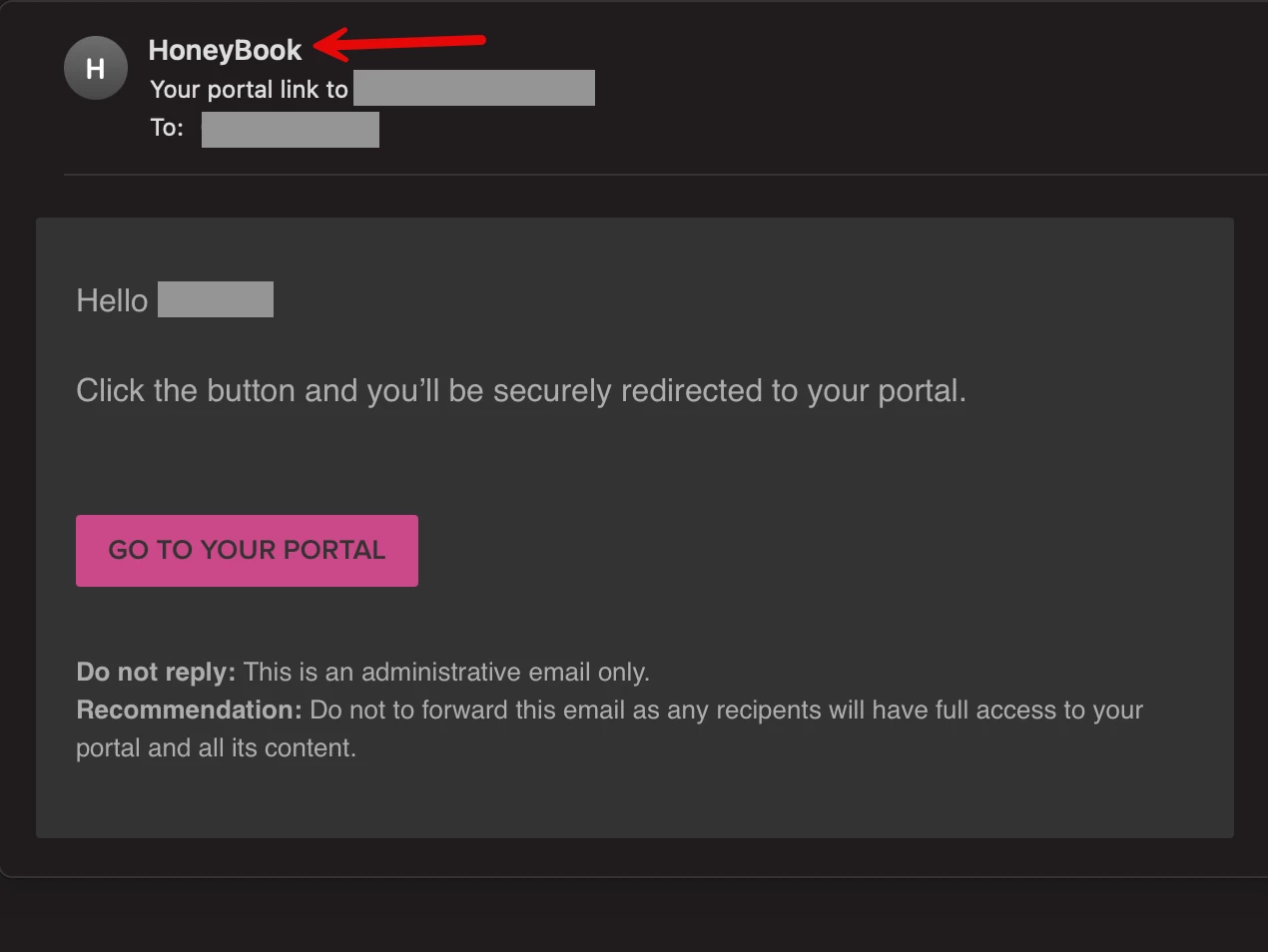
Easier client portal login
Your clients can now access their client portal instantly, with a single magic link. No username or password needed means fewer "how do I log in?!" questions and smoother client experiences, with the same level of security.
Client portal enable/disable
Now, you can enable or disable linking to the client portal from the files and messages you send, on a project-by-project basis. This update gives you control over when and how clients access the portal, ensuring a smoother and more professional experience.
Send standalone emails through the contact workspace
Email leads and clients directly from the contact workspace—no need to create or use a project. With this update, you can send standalone messages and track replies all in one place without having to switch to your email inbox.
New contact workspace layout
The contact workspace has gotten a facelift, with all essential contact information displayed in a single sidebar. Everything you need is now conveniently located in one view, helping you maintain focus.
Advanced contact filters
We’ve added new filters to your Contacts page: "Last interaction" date, plus any custom fields you’ve created with the date, multi, or single-select type. These filters let you quickly identify and prioritize leads and clients who need your attention without manual searching.
HoneyBook AI on mobile
For your on-the-go questions, HoneyBook AI’s chat is now available on the mobile app (iOS and Android). Ask HoneyBook AI anything from how to use tools to strategic business insights and more, with chat history shared between the mobile app and desktop for easy reference.
New features are rolled out in batches to ensure steady deployment and might not be instantly accessible. Feel free to contact our Support team if you have any questions.