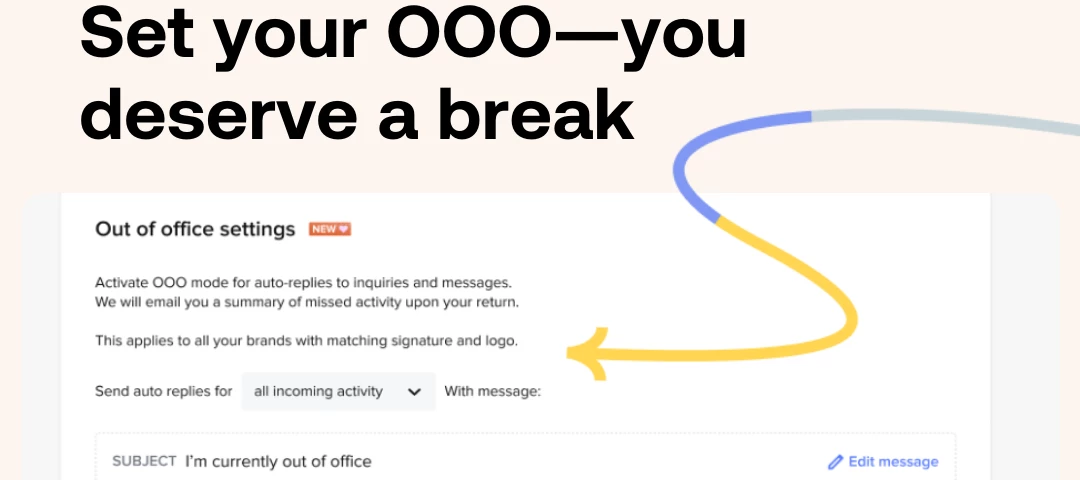




The end of year holidays are coming, and we’re here for you. Now you can set your out-of-office message in HoneyBook.
We’re rolling this new feature out over the next few days. All members will receive access by Monday, December 18th.
Highlights:
- Select which activity types will receive the OOO reply
- Customize your message
- Set start and end date
Your OOO message will be sent once over the course of 7 days, if applicable. When your time off comes to an end, a summary email will be sent for all activity missed with a link to projects.
Follow the instructions in our help center and check out answers to frequently asked questions.
Set your OOO because you deserve a break.