


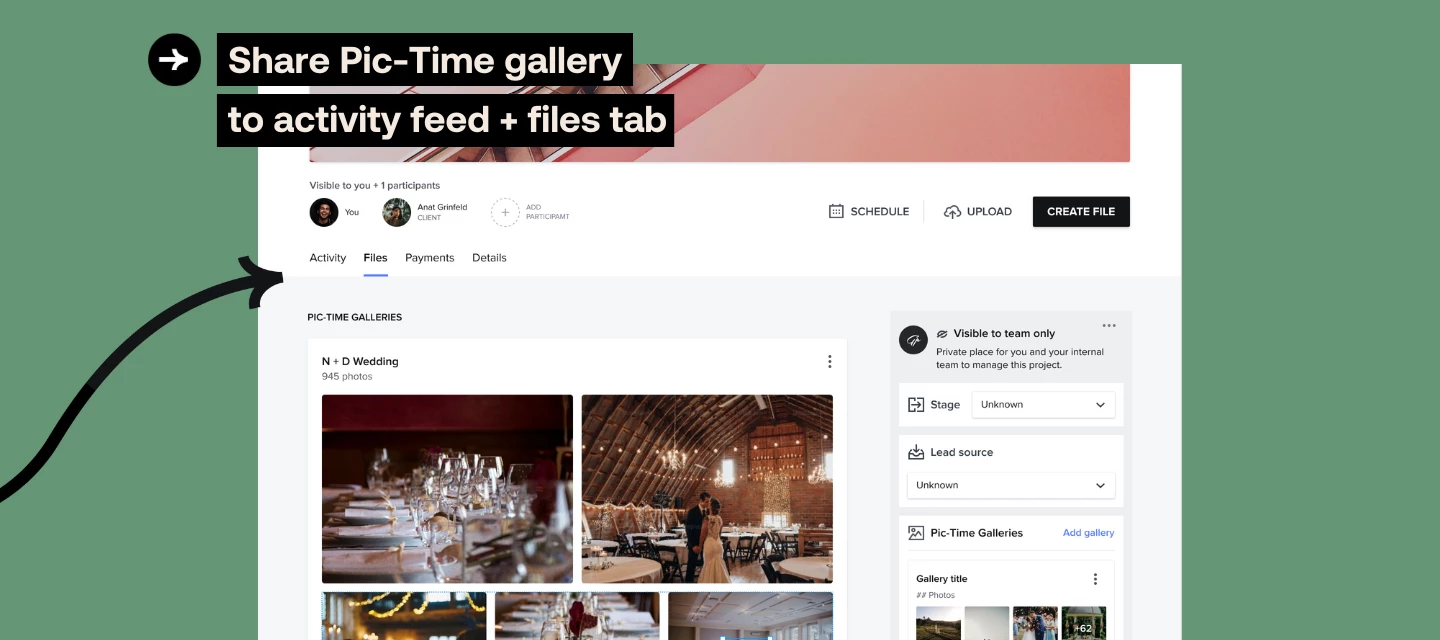



Integrating your HoneyBook account with Pic-Time lets you manage even more of your photography business in one place. Now, when you send a gallery to a client in Pic-Time, you can automatically share it in your related HoneyBook project!
How does it work?
Within the Pic-Time integration section of your Company Settings you’ll simply toggle on “Auto-share to client portal”. Now anytime you send a gallery in Pic-Time, your related client portal in HoneyBook will also display the gallery link in the activity feed. From there you can decide to display the gallery in the Files tab as well.
Learn more about our Pic-Time integration here.
