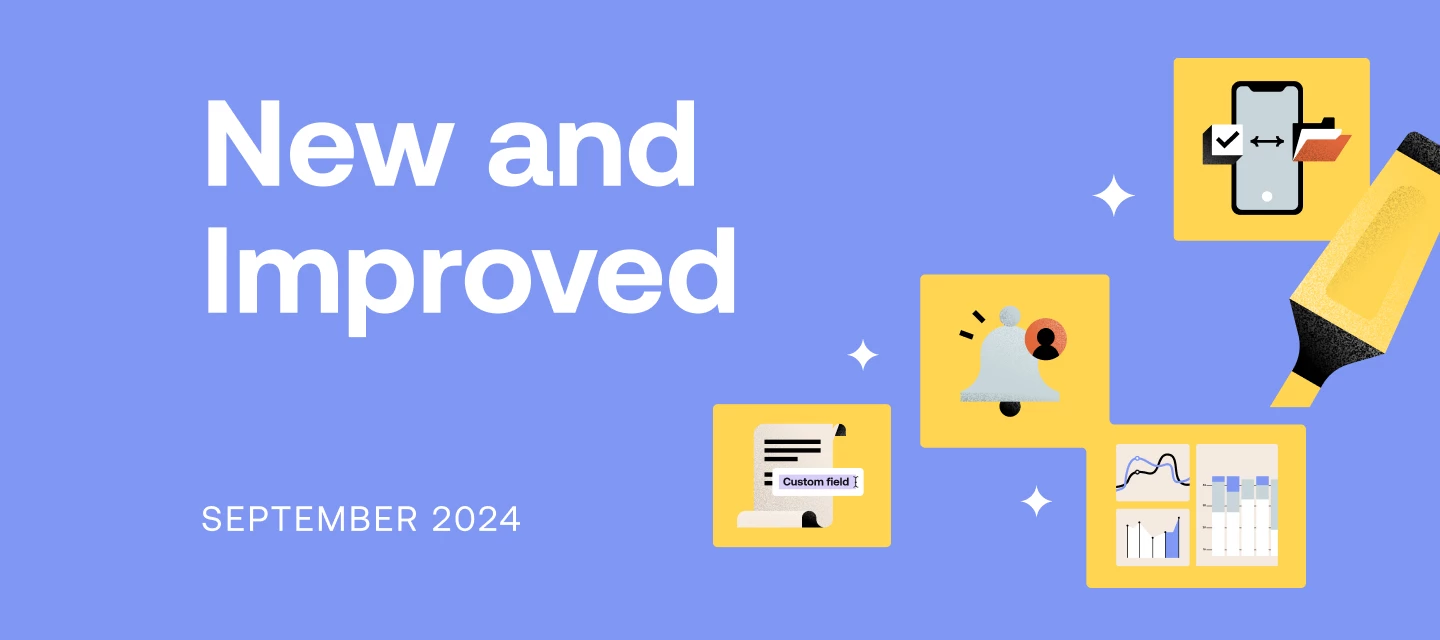



New month, new updates! Check out the latest additions and improvements from HoneyBook down below.
Custom fields for projects and contacts: new enhancements
Last month, we announced that you can add custom fields for your projects and contacts, and we’ve recently added some enhancements to this feature.
- New field types: link and number
In addition to text and date, you can now create link and number custom fields. Use these field types to gather key website information, phone numbers, and more.
- Custom contact fields available in smart fields
Your smart fields list now includes any contact custom fields you create. Gather or manually enter these contact details; then add a smart field to your contracts, text blocks, and emails so the information effortlessly populates.
- Add custom contact fields in linked questions
Now, you can pull contact custom fields into linked questions in your smart files and lead forms–which means you can collect these custom details, then have client-specific information appear in your contracts, text blocks, and emails.
Make sure you never accidentally ghost a potential client with inquiry reminders. When you configure and use inquiry reminders, you’ll receive a notification whatever number of days you set—we recommend two!–after a lead has gone unanswered. From there, reply with the help of the AI composer, which uses details of the inquiry so you can follow up quickly and professionally.
See payments data, cashflow insights, and link your bank accounts and cards from the new Finance Overview page. You’ll have access to personalized metrics and can see how the numbers change over time (such as your expenses month to month).
Improved task navigation on mobile
We’ve released a mobile update that means easier navigation from a task to a project. When you’re on the go, you can now access connected projects directly from your task list, instead of having to manually search. Easier access to your project details means a smoother mobile workflow.
| New features are rolled out in batches to ensure steady deployment and might not be instantly accessible. Feel free to contact our Support team if you have any questions. |
You can always check out what’s coming soon and planned for the next few months in our product roadmap!
PS: Today is the first day you will be required to update your mobile app