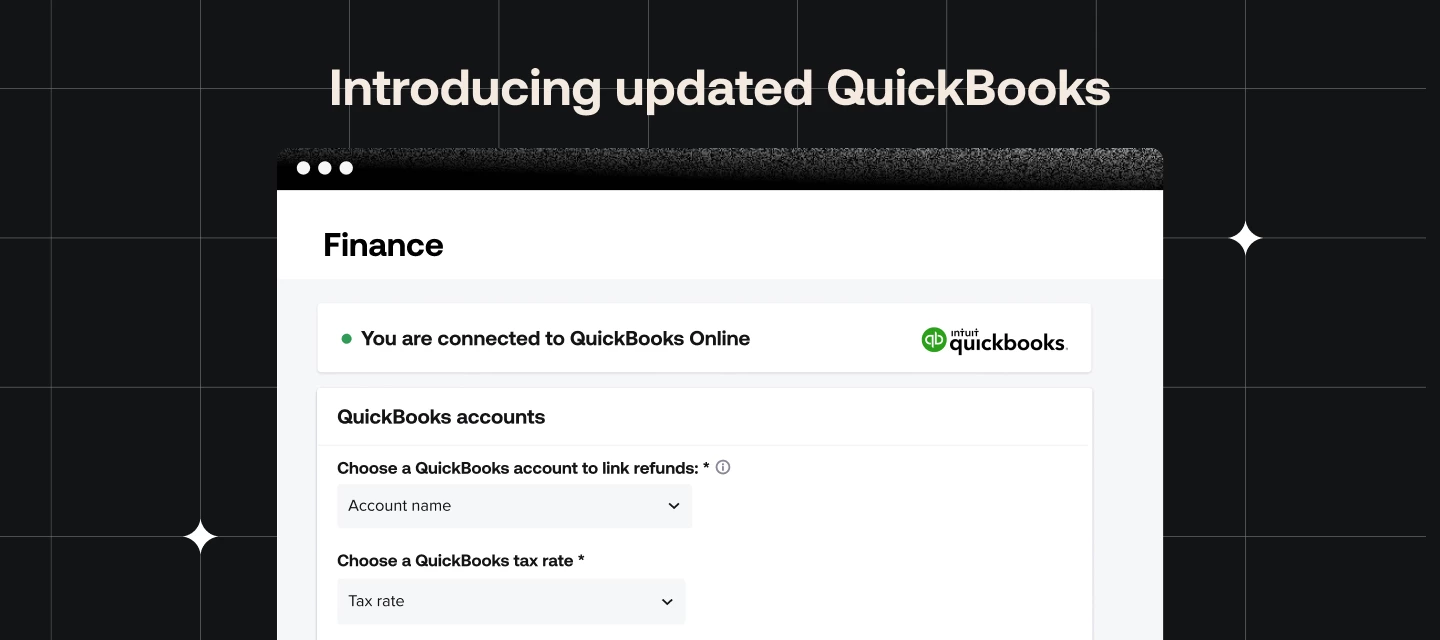



Have you heard? It’s been about a month since we released our updated QuickBooks <> HoneyBook integration, and so far, folks seem to love it! We heard your feedback on the previous integration we're excited to show you the changes we made for the better.
This new integration offers
- An updated connection experience & new dashboard
Now with options to control where payments, discounts, refunds, and tips report to.
- Invoice syncing
Any changes made to the invoice in HoneyBook after an initial payment, including adding services, removing services, and expiring the invoice, will now be accurately reflected in QuickBooks.
- Service mapping
HoneyBook now allows you to map the services you sell in your HoneyBook invoices directly to the services you’ve created in your QuickBooks account.
- Refund tracking
Any refunds issued in HoneyBook will automatically create a refund receipt or updated deposit to match their associated invoices.
- Service Charges
Service mapping allows for service charges to be billed on smart files.
- Discounts
We have added a new indicator on the dashboard to show the status of the discounts setting in QuickBooks.
You can see what the new American QuickBooks dashboard will look like below.

Below we have the new Canadian QuickBooks dashboard.

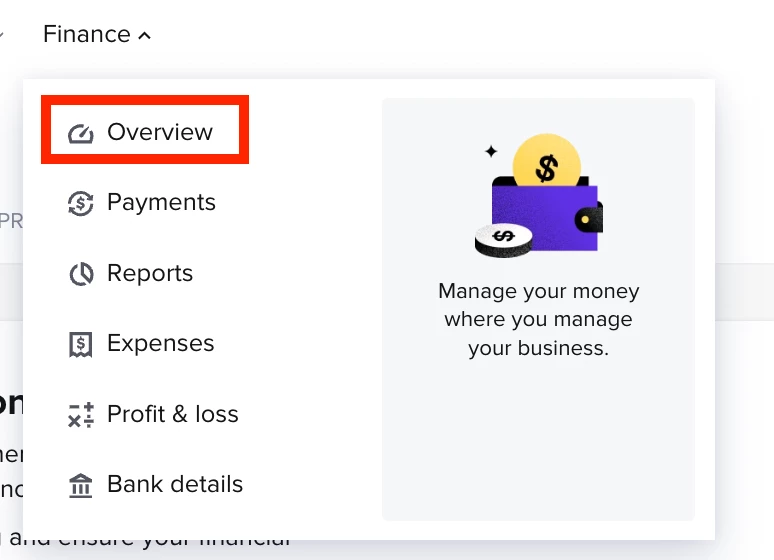
You can find the updated QuickBooks integration in the Overview page of the Finance dropdown.
We have a few more things we are in the process of building that will make this integration even better including:
- Expanded bookkeeper access - Bookkeeper access in HoneyBook currently allows bookkeepers to view payments; however, they do not have access to the associated invoices or any further detailed information related to those payments. Additionally, while bookkeepers can be granted access to multiple brands, there are still limitations in the multi-brand functionality, meaning they might not have a seamless experience managing different brands within the same HoneyBook account. Bookkeepers are also unable to access features related to HoneyBook Capital or HoneyBook Finance at this time. We fully recognize that these limitations impact the effectiveness of bookkeepers using our platform.
- Refunds with sales tax - Currently all refunds are mapped to the “refunds issued” chart of accounts (selected on the QuickBooks dashboard). We are working to ensure that refunds with sales tax behave accurately in QuickBooks, including coming off of the various reports and liability account. Stay tuned for updates on this.
- HoneyBook Capital - We are working on ensuring that your HoneyBook Capital loan, fees, liability amount and payments are recorded accurately in QuickBooks.
We’re committed to improving the financial tools HoneyBook has to offer and this updated integration is just the start. In the upcoming weeks, HoneyBook is rolling out a suite of financial products to empower you to take control of your financial future and& goals, get visibility into your financial health, and grow your confidence with a connected financial platform. Stay tuned!